Industry
AI
Client
ubiAI
Time line
08.2024 -> Now
Role
Lead Designer . UI/UX Designer
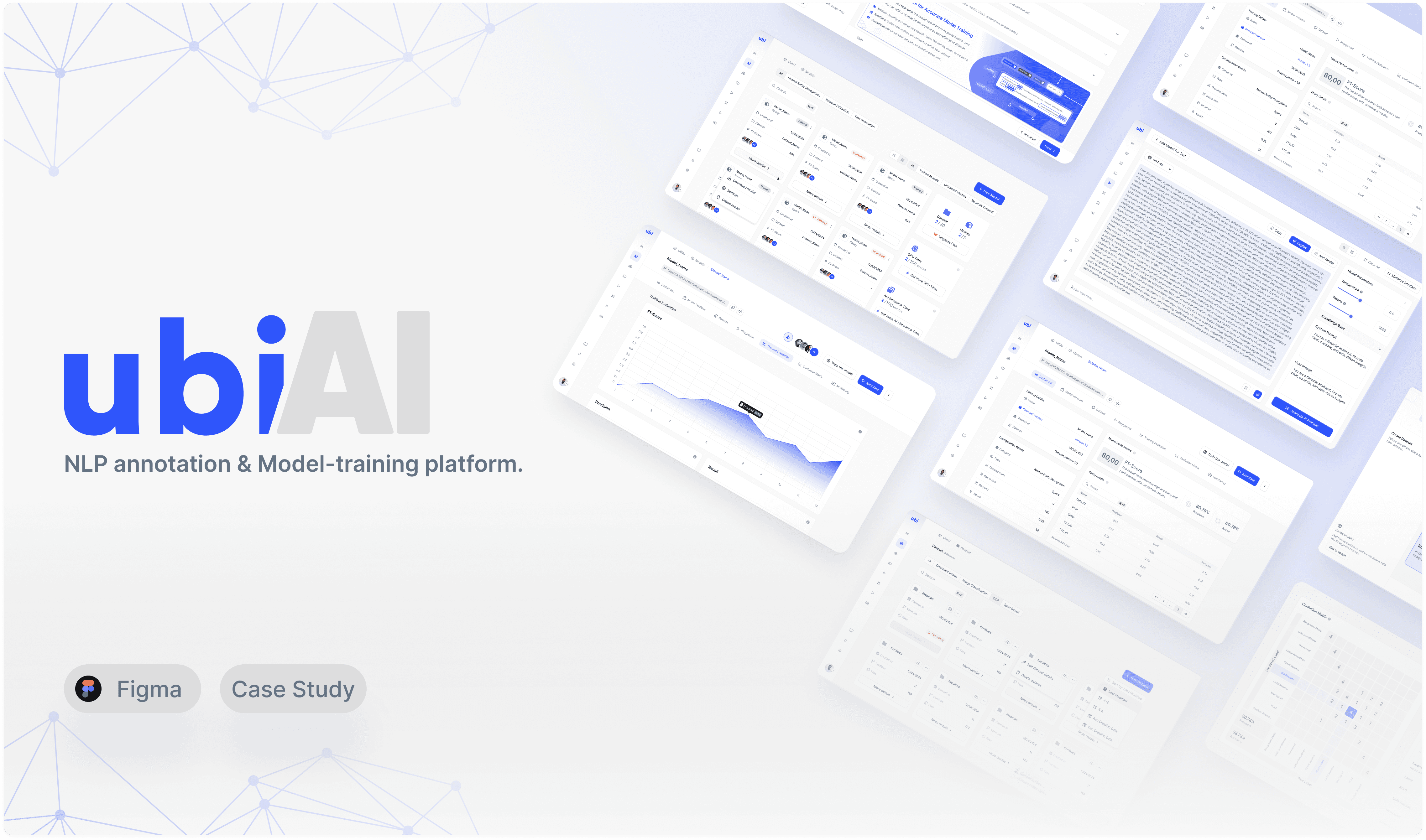
UbiAI initially began as a specialized annotation tool focused on labeling data within documents. As the platform’s vision evolved to encompass the entire AI lifecycle , including model training, fine-tuning, evaluation, and app creation, the existing interface could no longer support this expanded scope.
The interface lacked clarity and visual structure, making it hard for users to quickly identify key elements or understand the platform’s hierarchy.
The product’s value wasn’t immediately obvious; many users struggled to grasp its purpose due to its technical setup and lack of guided context.
As new features were introduced, the layout couldn’t accommodate them intuitively, whether the user was technical or non-technical. Navigation felt unclear and feature access was fragmented.
The visual design was outdated, inconsistent, and misaligned with modern user expectations.

To solve these problems, I used a structured approach to identify user pain points and redefine the overall product experience. My focus was on transforming UbiAI from a simple annotation tool into a comprehensive AI platform that supports the entire lifecycle, including annotation, fine-tuning, model evaluation, dataset creation and versioning, Playground testing, and AI agent creation. The redesign aimed to make the experience easier to navigate while ensuring the platform remained intuitive and accessible for both technical and non-technical users.
Redesigned the platform’s structure: Organized features to support the full AI lifecycle while making navigation intuitive for all users.
Revamped the user experience: Streamlined tasks and interactions so users can accomplish actions efficiently and with minimal confusion.
Simplifying complex workflows, making advanced AI tools accessible to users with different levels of technical expertise
Redesigned UI: A new look that accomodate for a modern feeling of the platform.
Simplify and clarify: Designed the platform to make key features easy to recognize and access, reducing user confusion.
Smooth user flows: Ensured that users can move through tasks and workflows naturally, with minimal friction.
Empower users: Provided helpful tools and guidance to support users in achieving their goals efficiently.
Flexible feature access: Offered all functionalities as optional, allowing users to choose how and when to use them according to their needs.
The introduction of new features brought several design and structural challenges:
Dataset management: Handling versioning, metadata control, imports, exports, and flexible labeling schemes.
Models section: Managing model versioning, training datasets, evaluations, confusion matrices, and monitoring, as well as integrating LLM fine-tuning with LLM-as-a-judge evaluation methods.
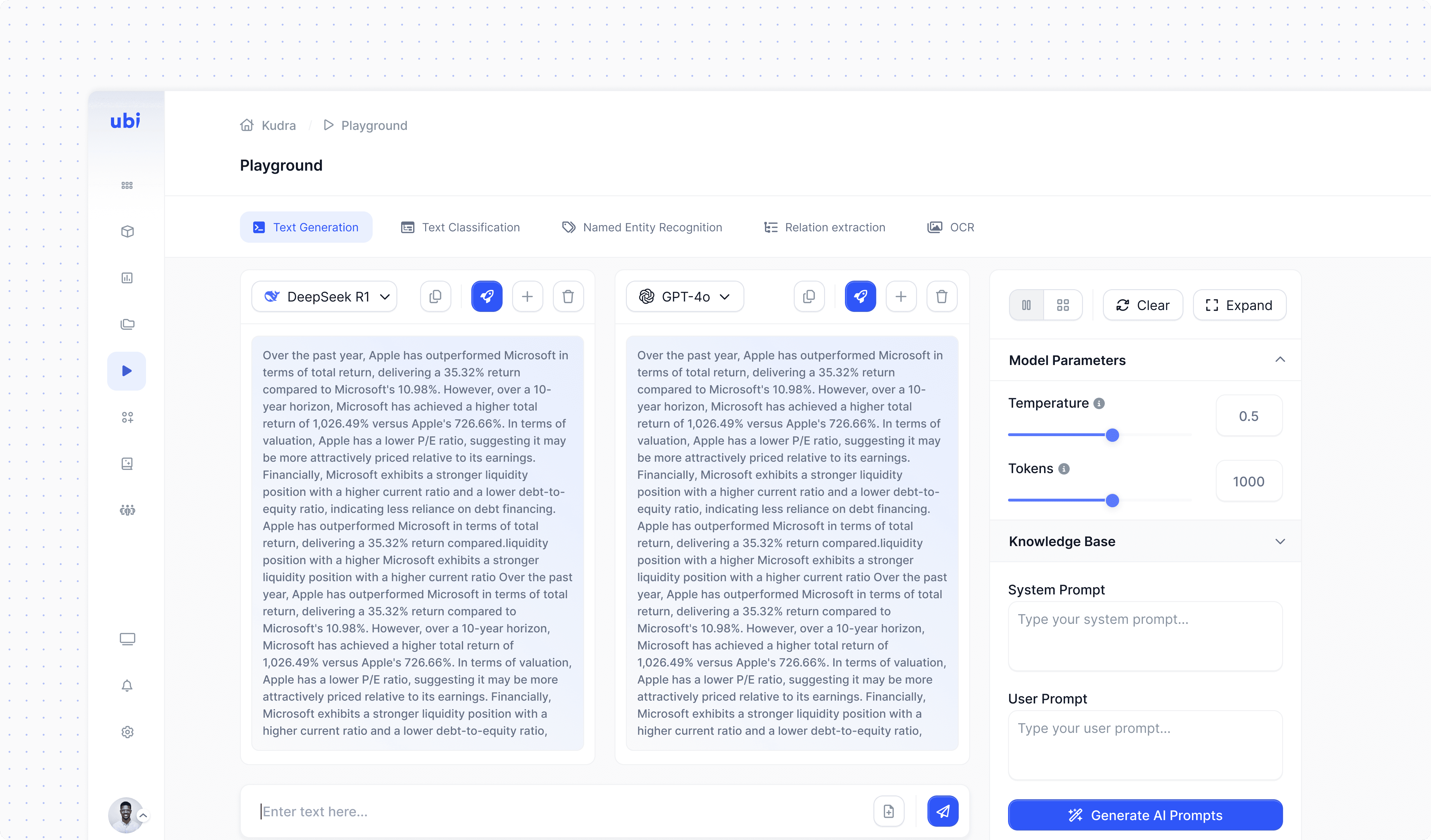
Playground: Supporting real-time model testing and comparison in an intuitive way.
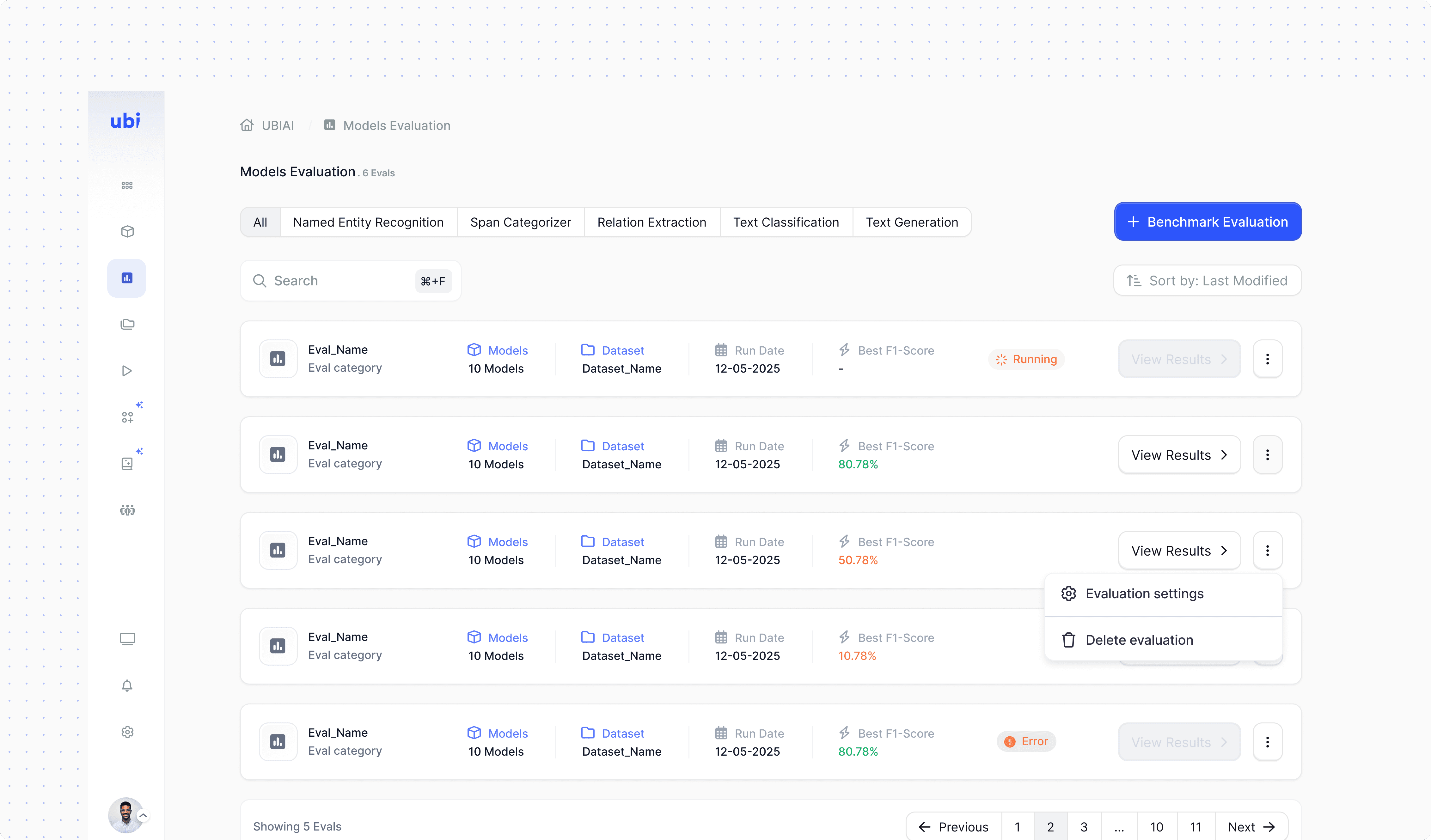
Models evaluation: Creating a unified space for assessing model performance and insights.
Knowledge base: Building a centralized reference hub for structured and reusable data.
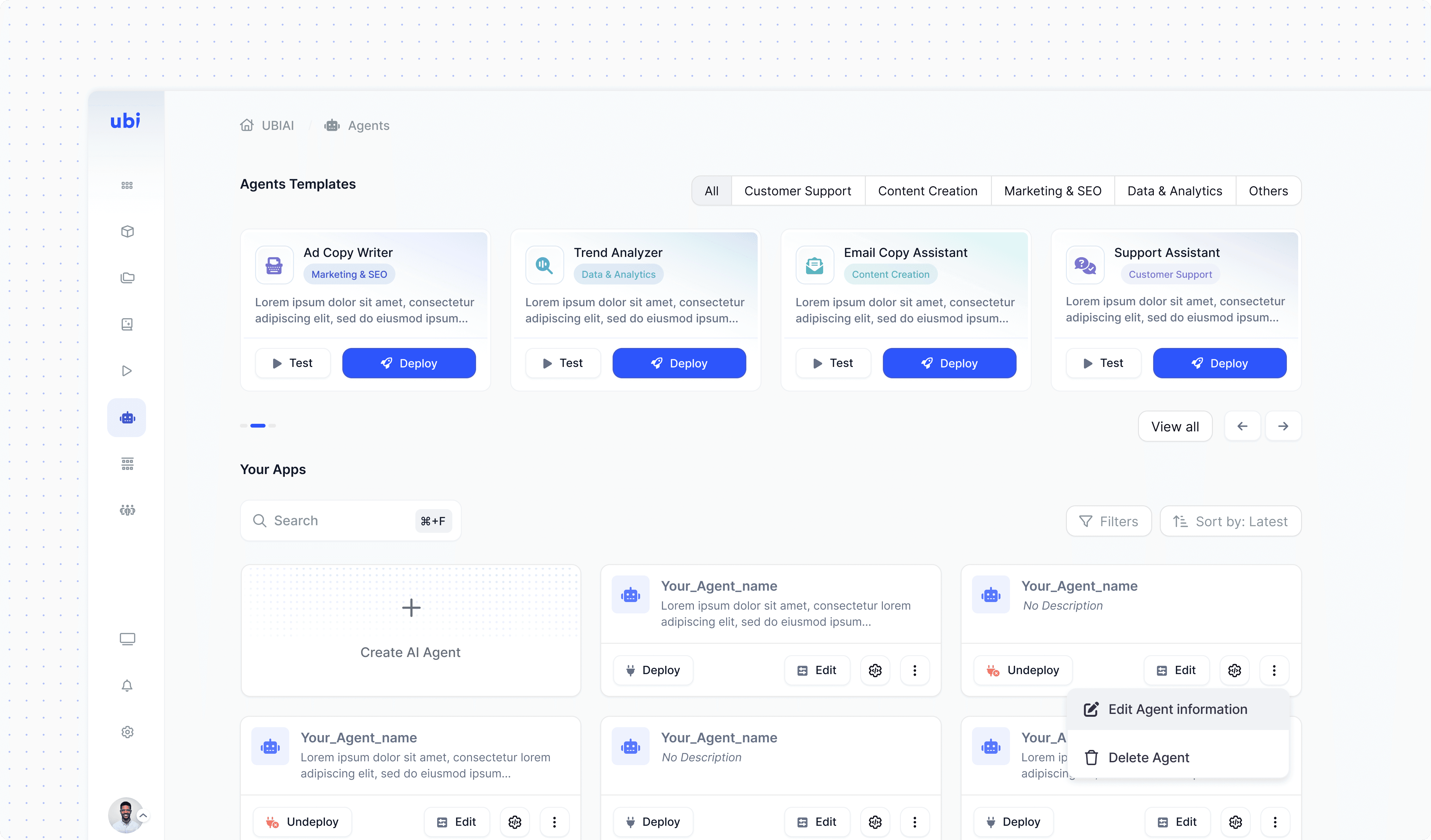
AI agnets section: Allowing users to create and manage custom AI agents.
Tools section: Designed to be integrated within the AI Agents settings, providing extended capabilities and configurations.
Annotation interface: Enhanced with additional features to improve efficiency and flexibility during data labeling.
This rapid expansion introduced major UX challenges, including inconsistent workflows, fragmented interfaces, and unclear hierarchies. The platform required a complete experience redesign to unify all features under a cohesive, scalable, and user-friendly structure.
The redesign transformed UbiAI from a narrow annotation tool into a full-scale AI platform.
Balanced simplicity for beginners with flexibility for advanced users.
Unified key flows: dataset management → model fine-tuning → evaluation → agent creation.
Structured UI foundation built before high-fidelity design to validate usability, hierarchy, and scalability.
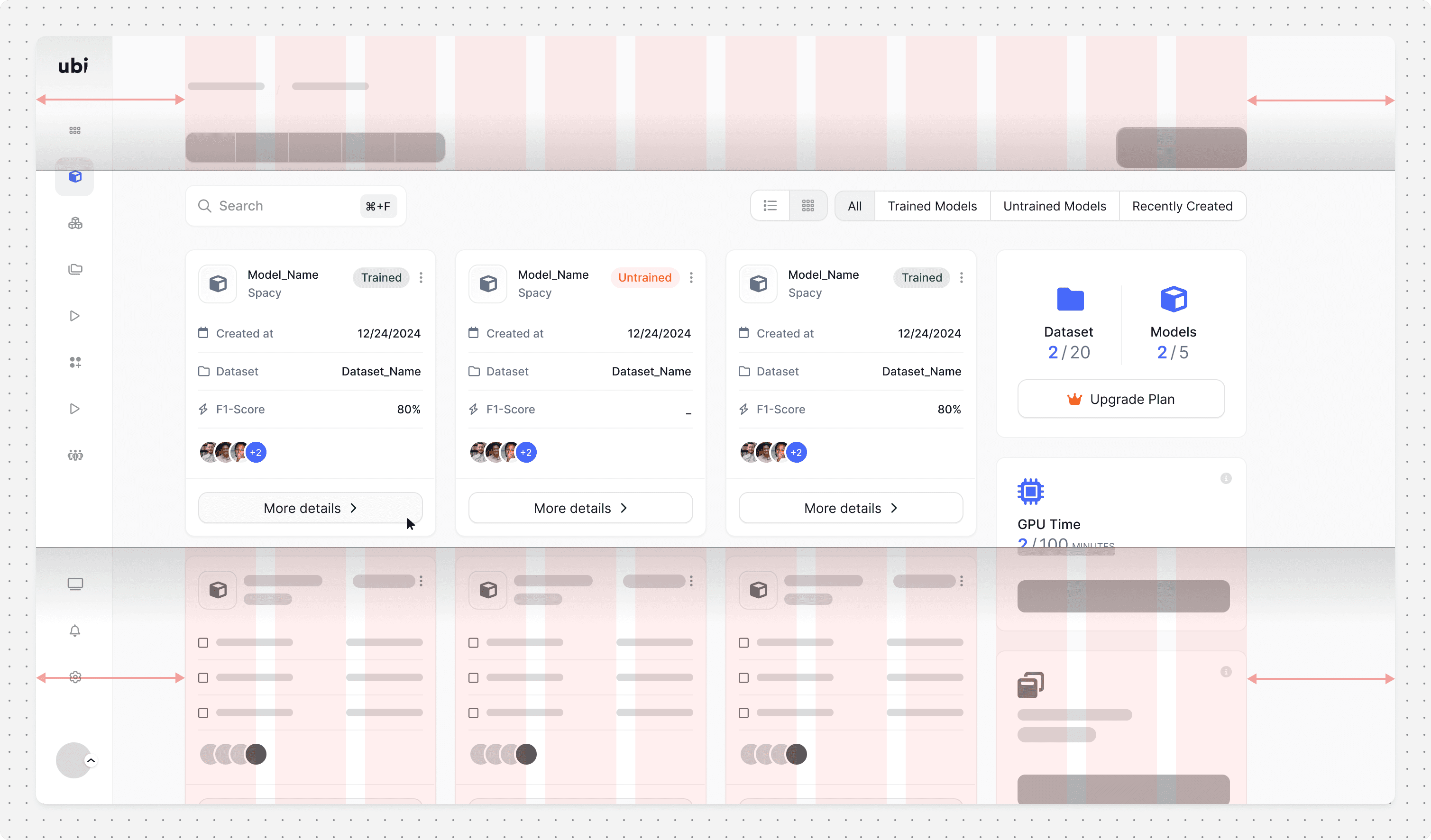
A central space to manage all models, designed for clarity, easy navigation, and a clean, consistent look.
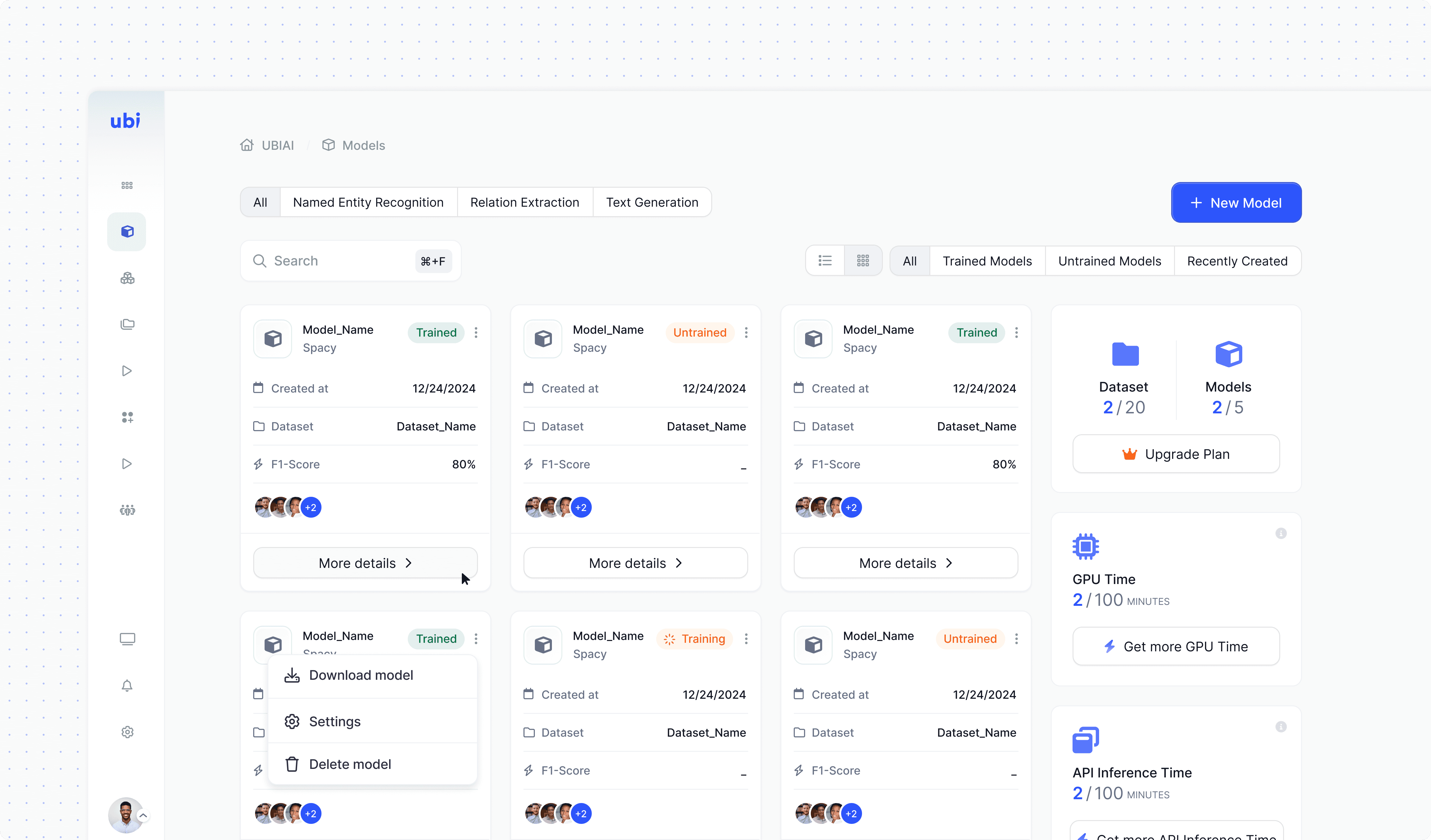
The Model Details view is organized into multiple tabs :
Dashboard, Model Versions, Playground, Training Dataset, Evaluation, Confusion Matrix, and Monitoring giving users structured access to every aspect of their model. This tabbed layout ensures clarity, easy navigation, and quick transitions between insights, configurations, and performance tracking.
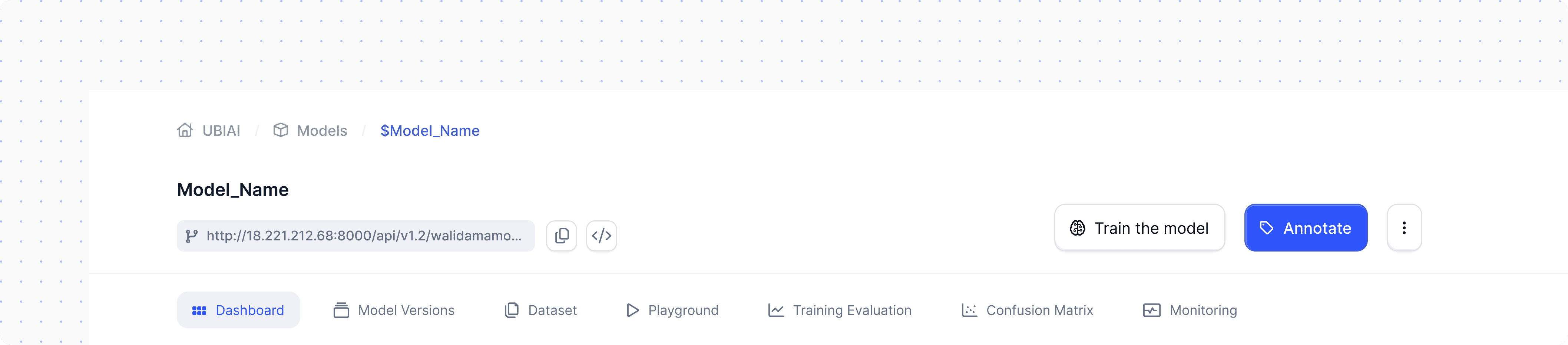
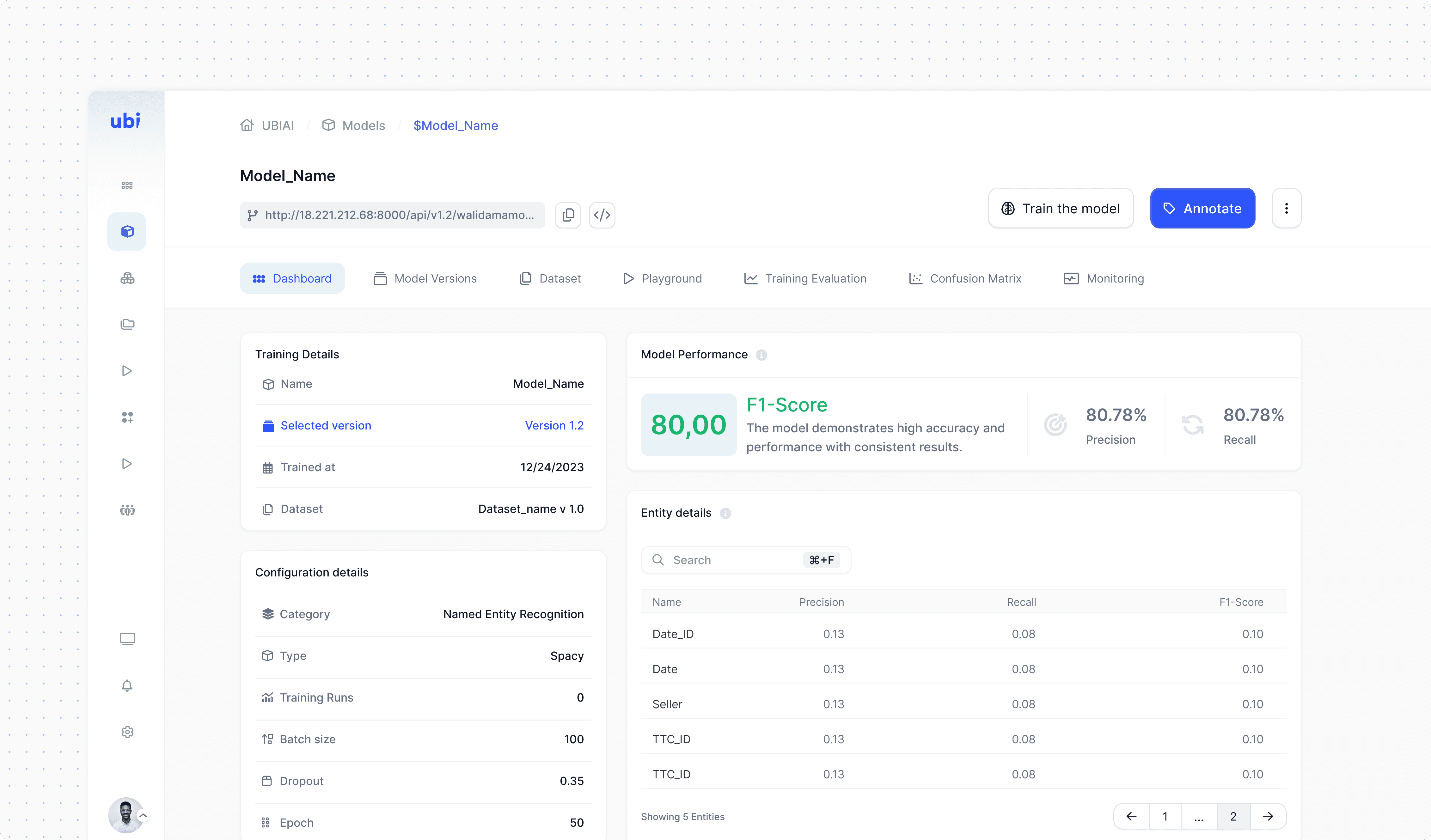
This dashboard is made to be a clear and comprehensive overview of the model’s current state, including version, training details, dataset, and configuration. Key metrics like F1, Precision, and Recall are displayed with clarity, along with entity-level breakdowns. It is made to show real-time training status, highlight errors, and present post-training performance, giving users a clear view to guide their next actions.
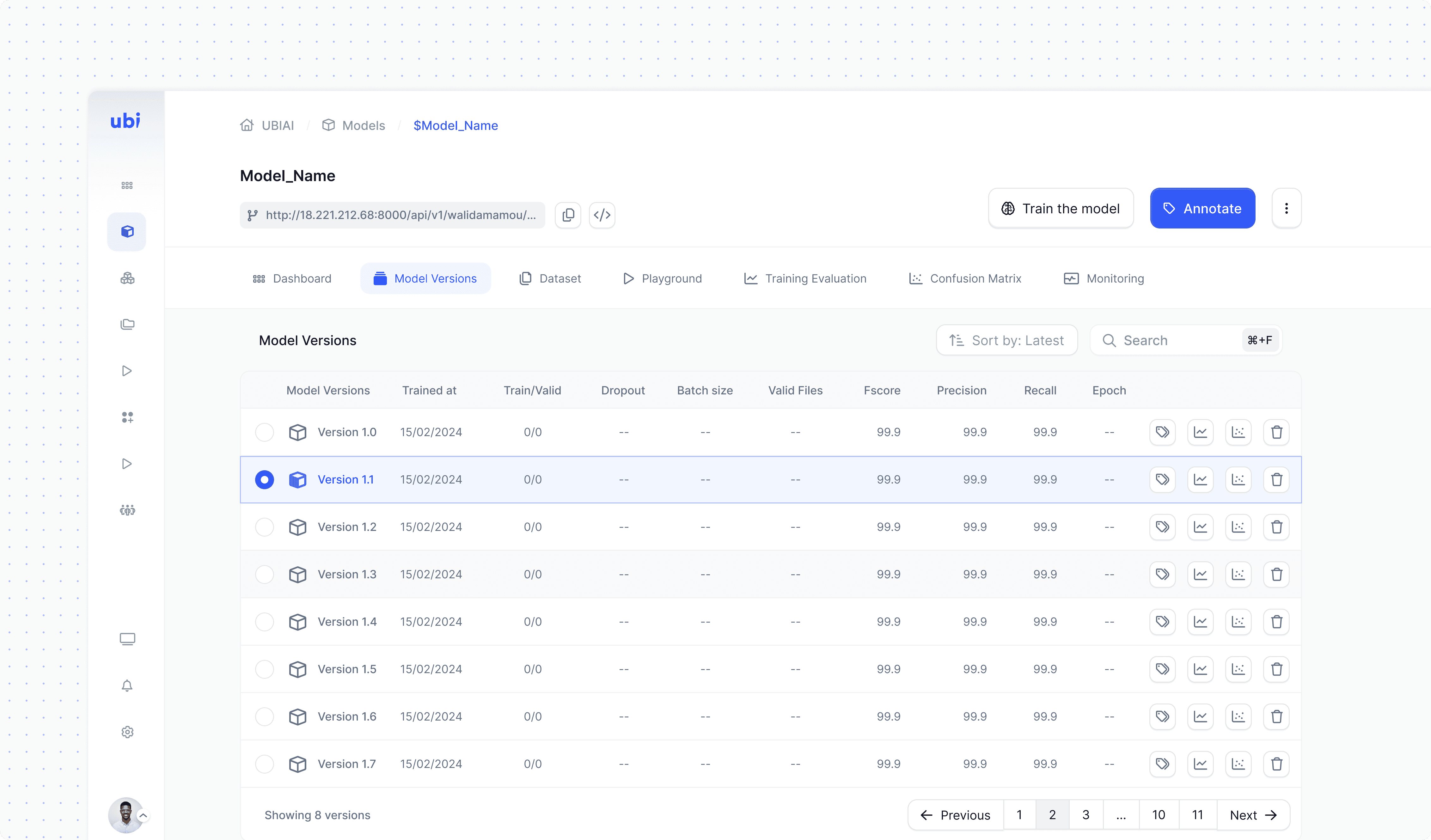
This tab shows the model’s full training history, with key metrics for comparing versions. Users can review details, manage iterations, and choose which version to work with.
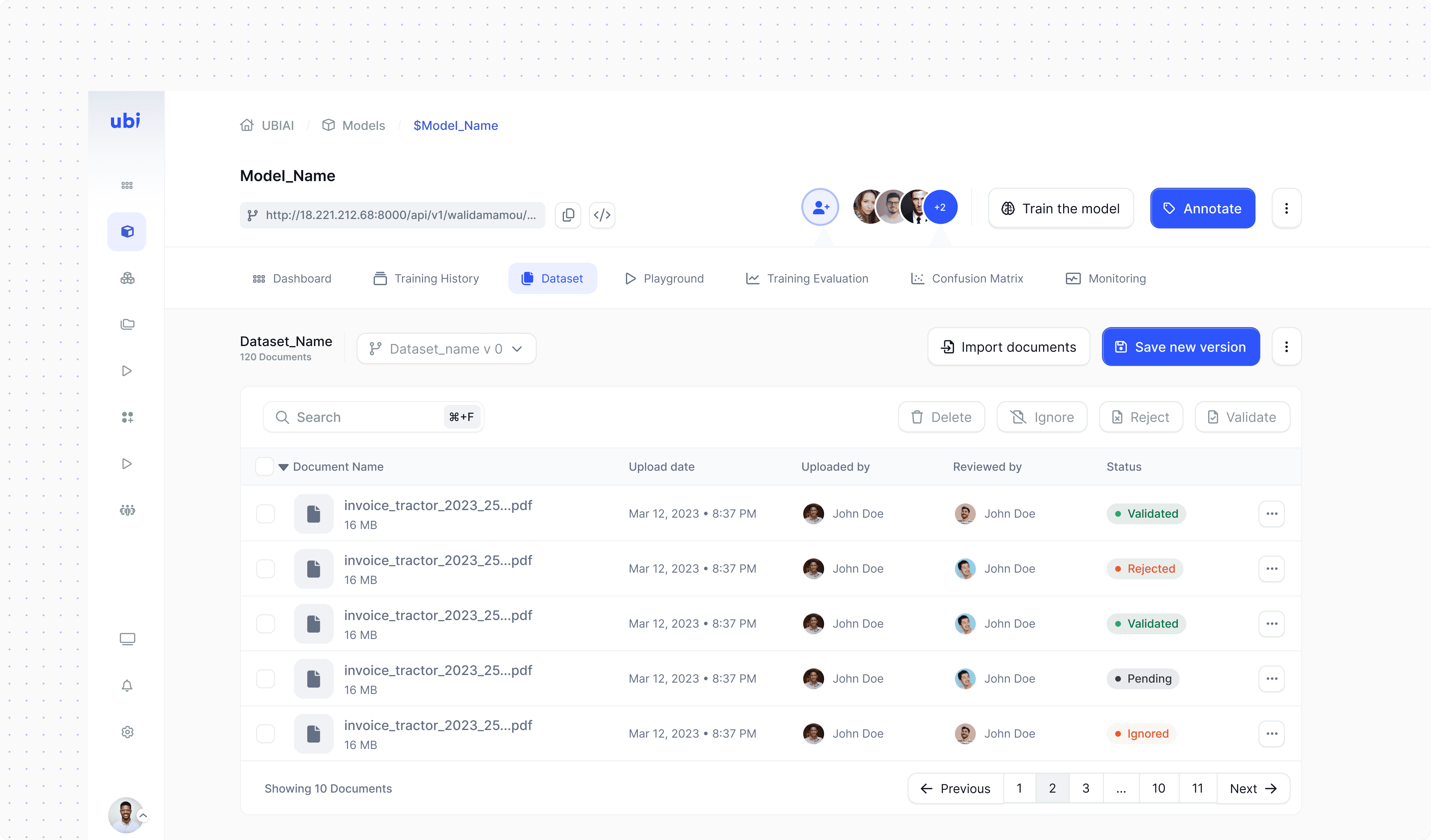
This tab shows the dataset used for training, including document details and review status. Users can manage content, upload new data, curate quality, and create new dataset versions for fine-tuning.
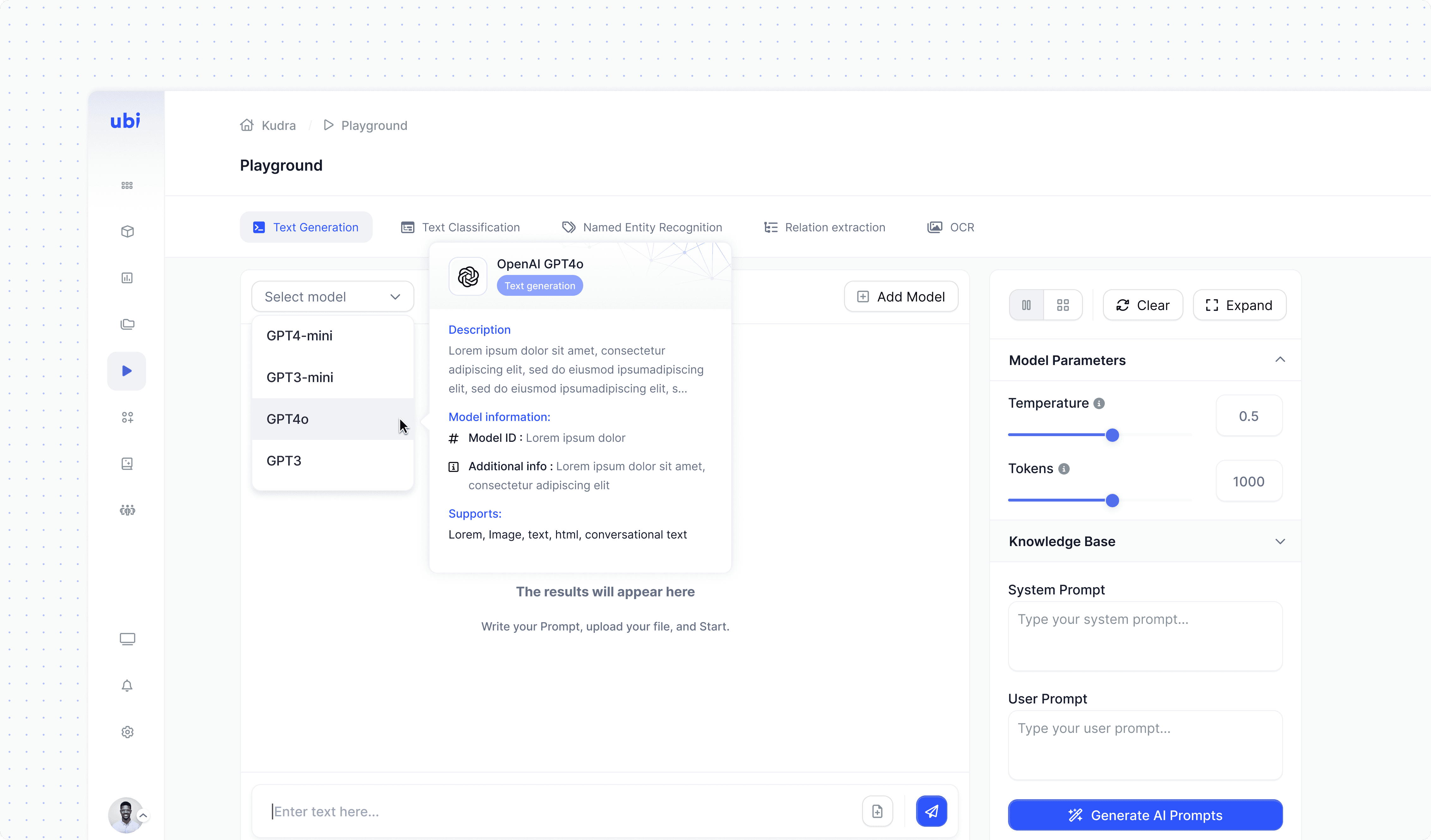
Test the model in real time using text or documents to view predictions instantly. This interactive space helps users validate results and explore model behavior without a full evaluation.
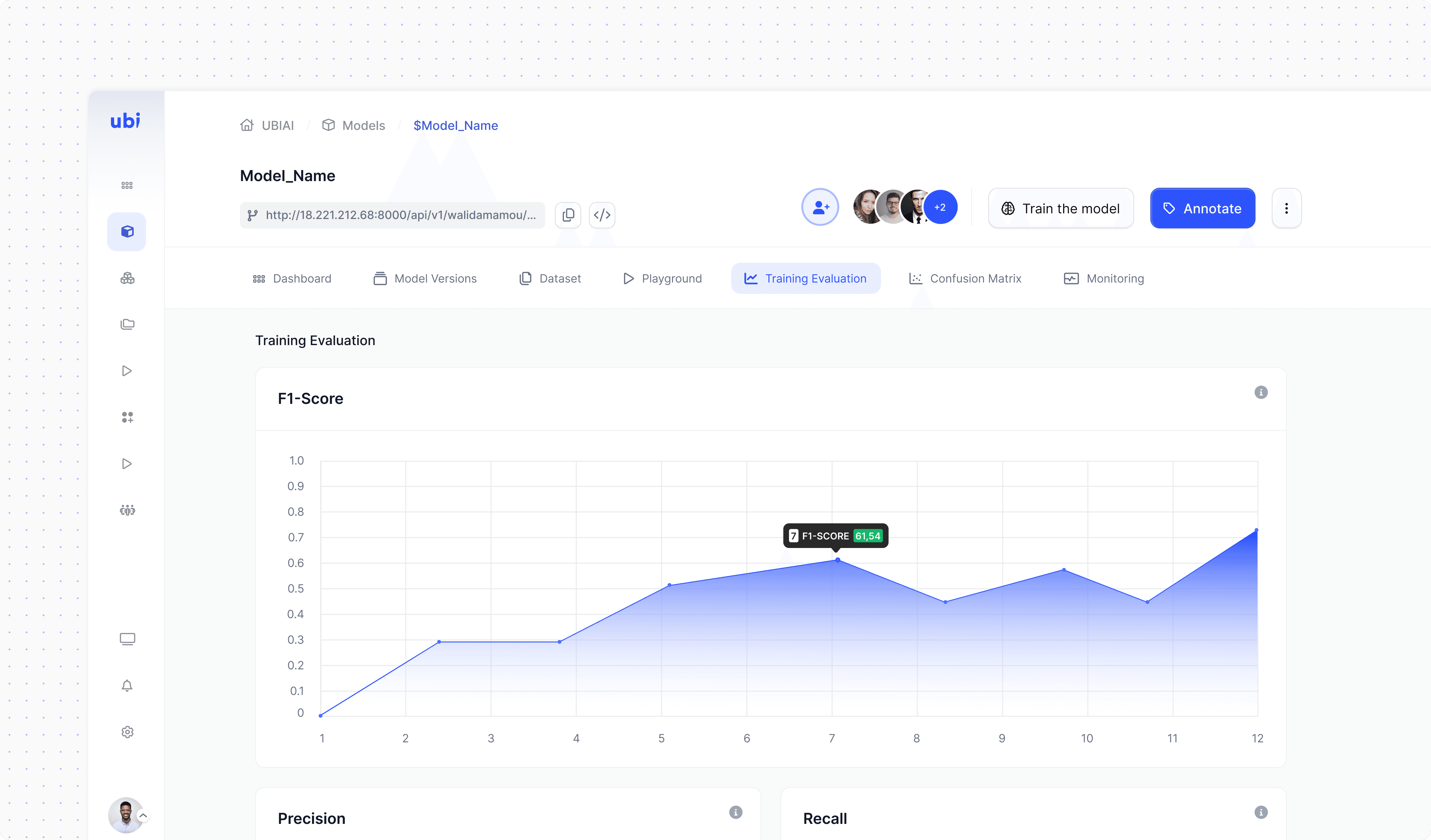
This tab features interactive charts and a clean visual layout to present metrics like F1, Precision, and Recall, helping users track progress and spot areas for improvement easily.
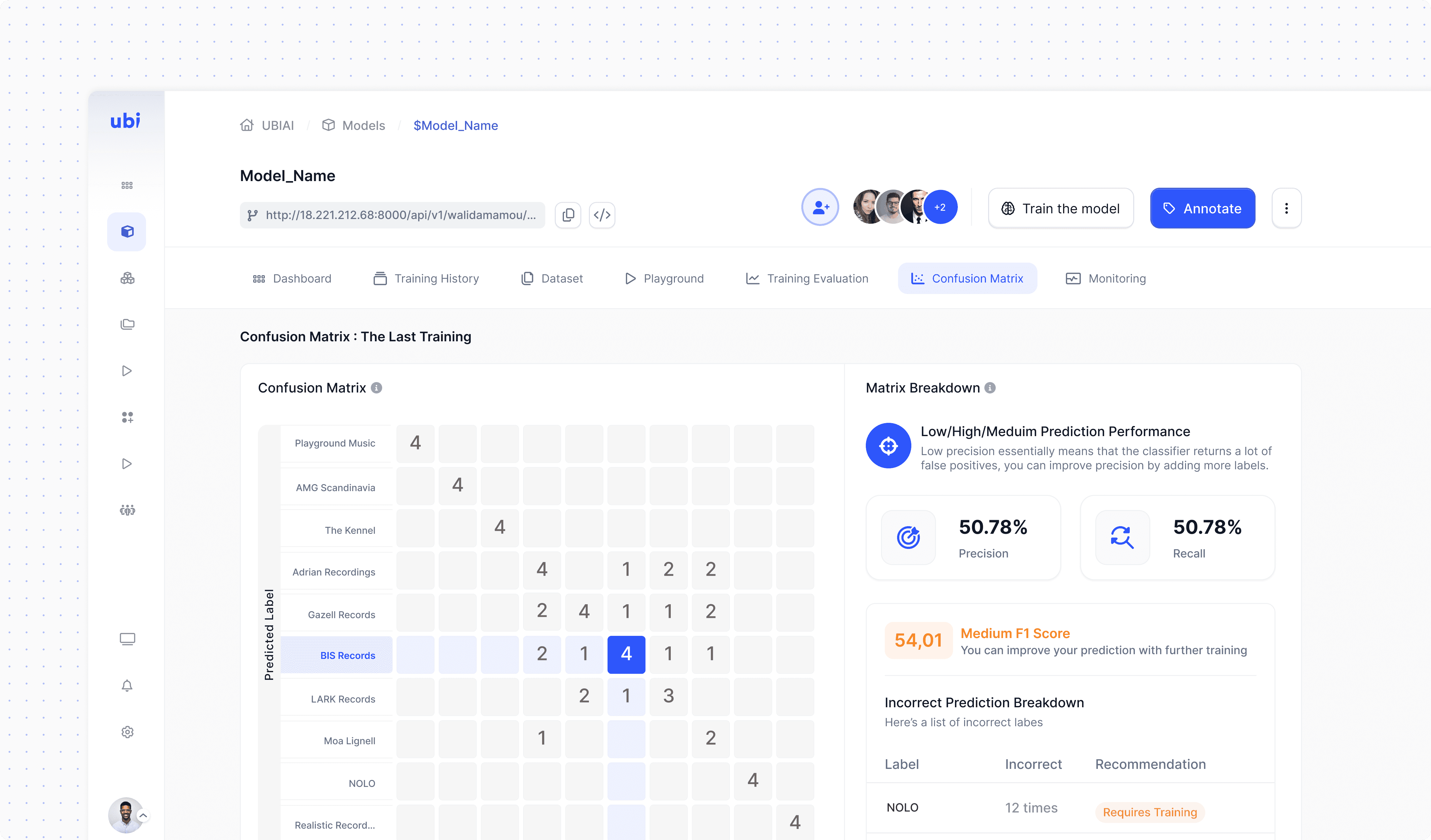
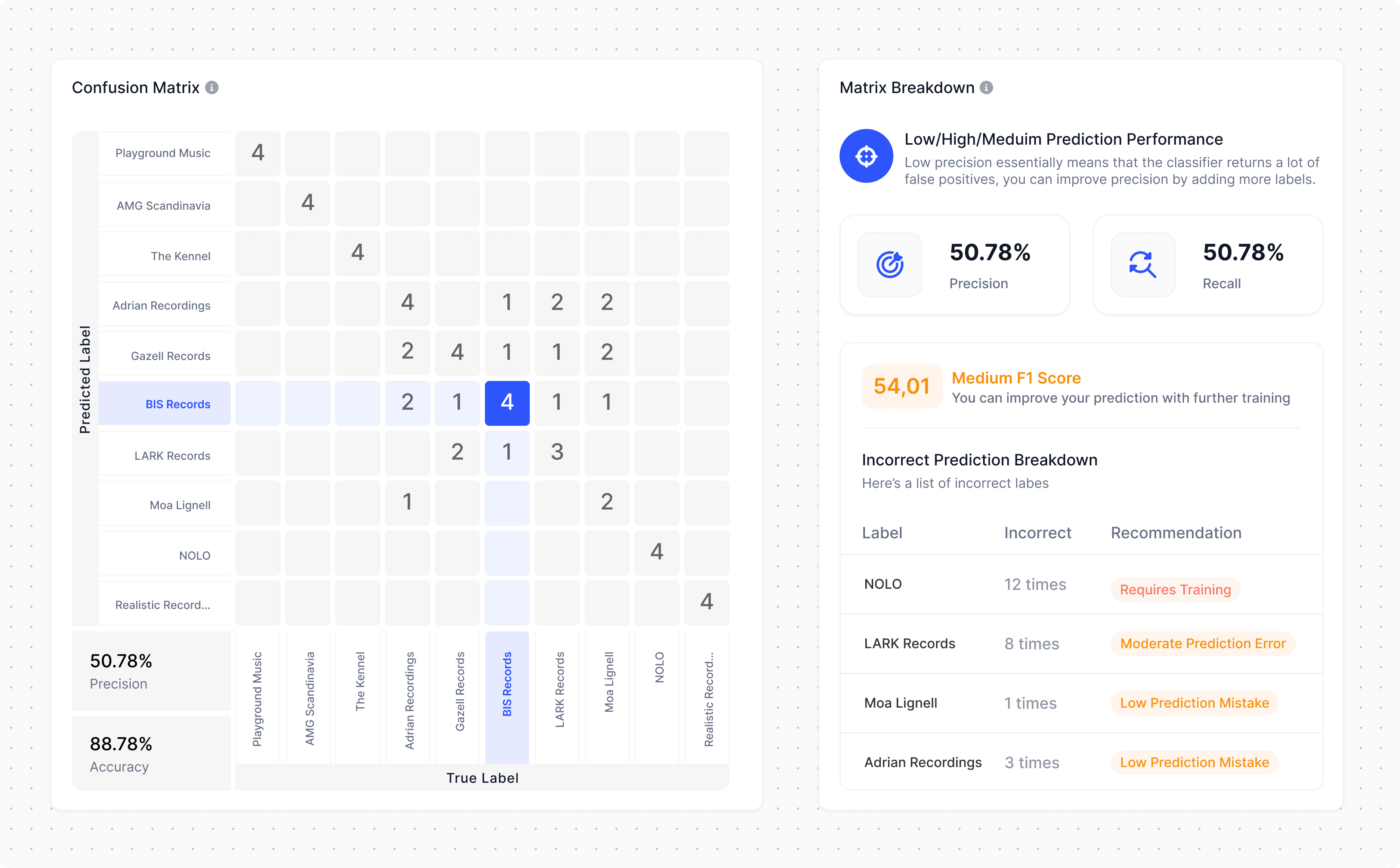
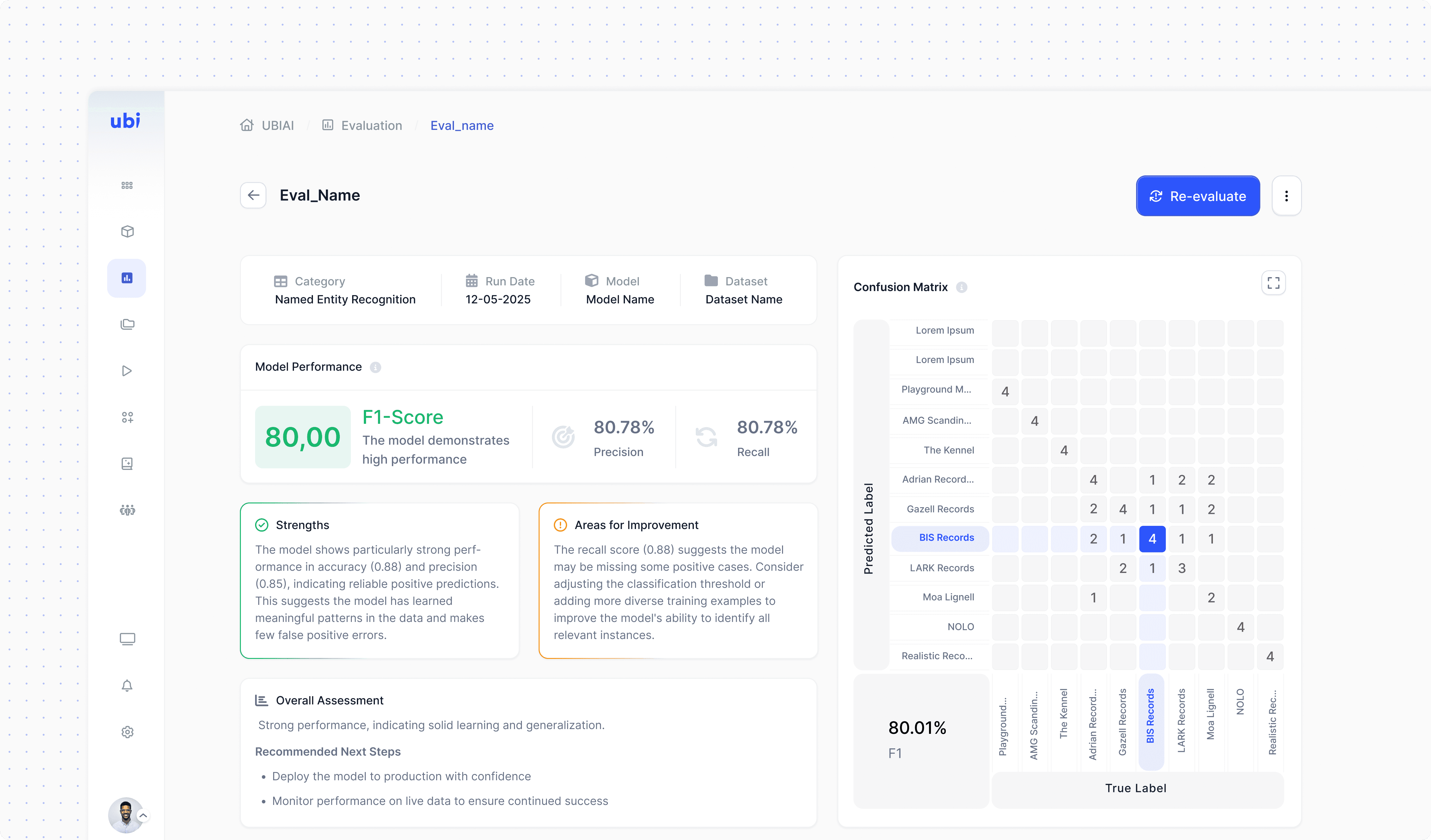
Visually designed to highlight prediction accuracy and errors, helping users quickly assess model performance at a glance.
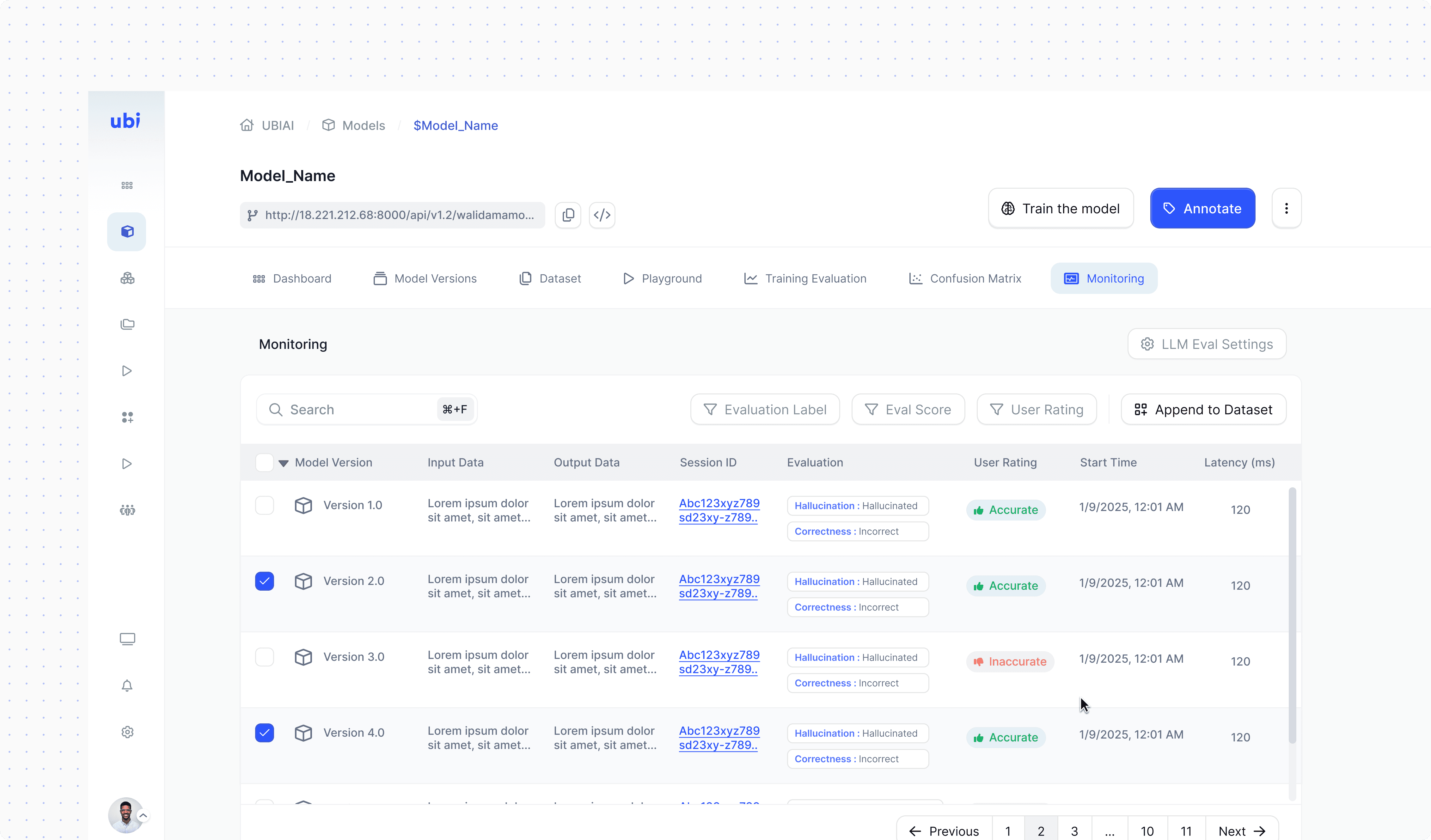
Track model output quality over time using LLM-based evaluation, helping detect issues and ensure reliable performance.
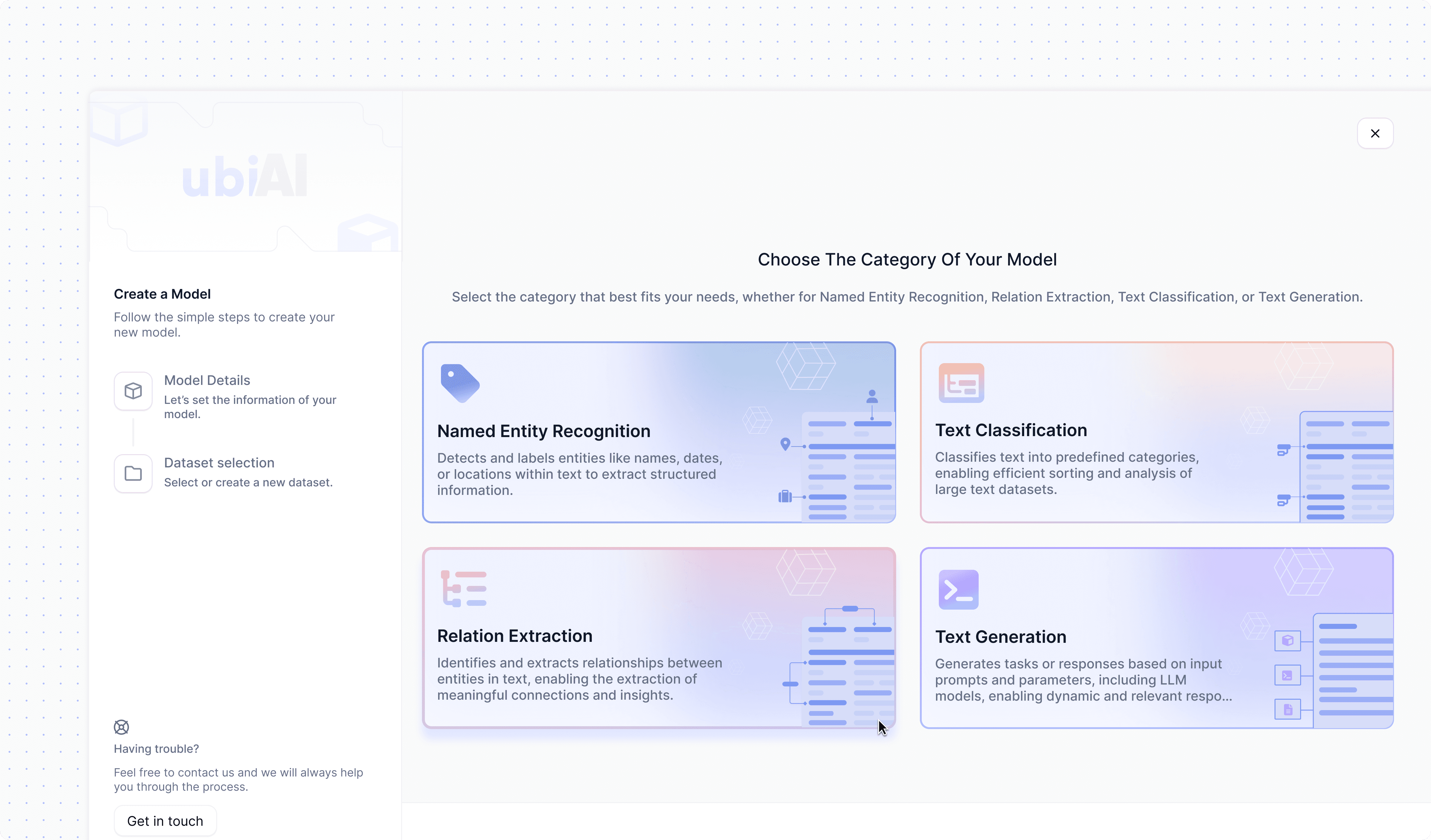
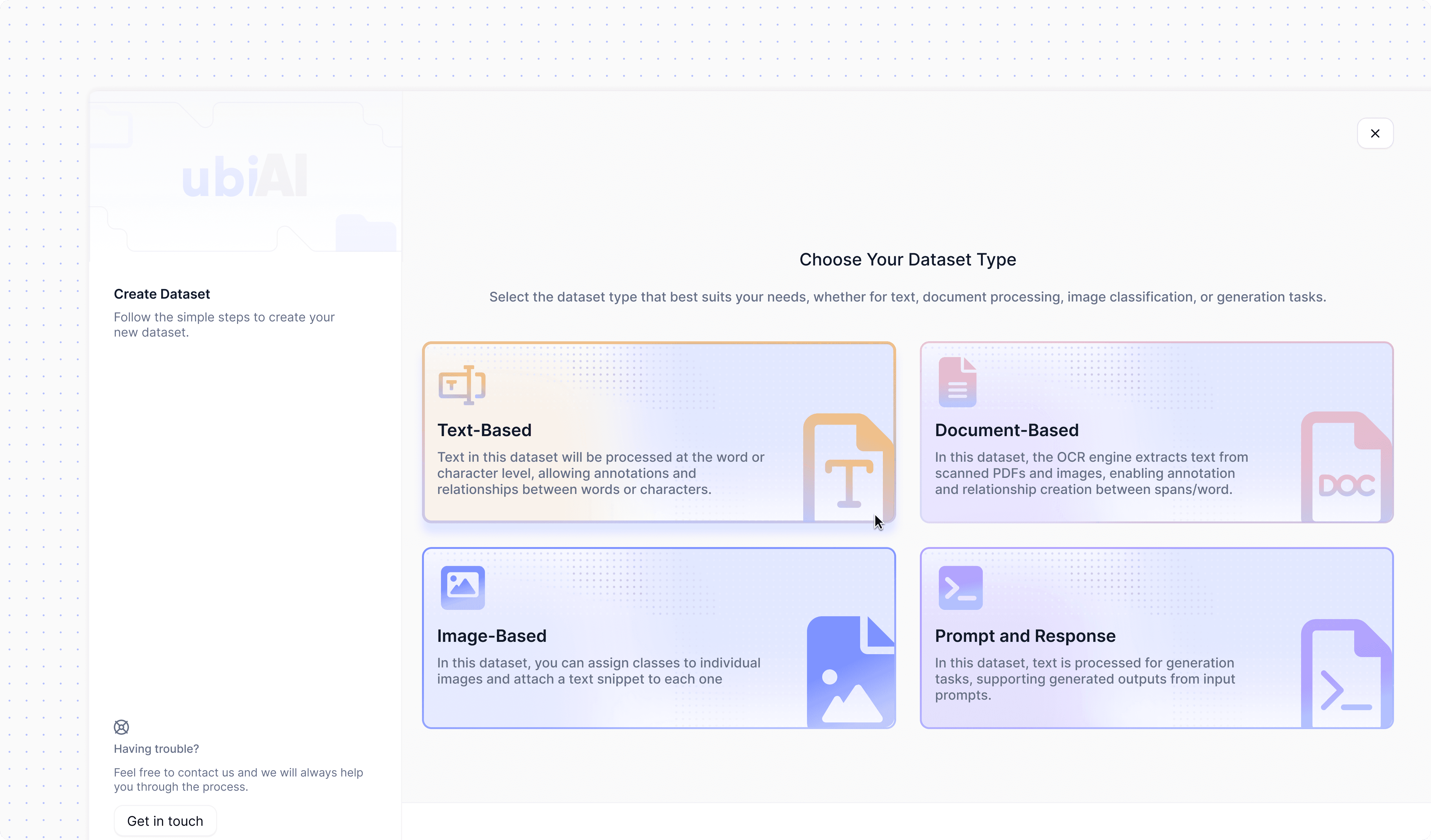
The model creation stepper is designed to guide users through clear, sequential steps , from selecting the model category and setting configurations to importing or assigning datasets and creating the model. This structured flow simplifies the process, making it accessible to both technical and non-technical users.
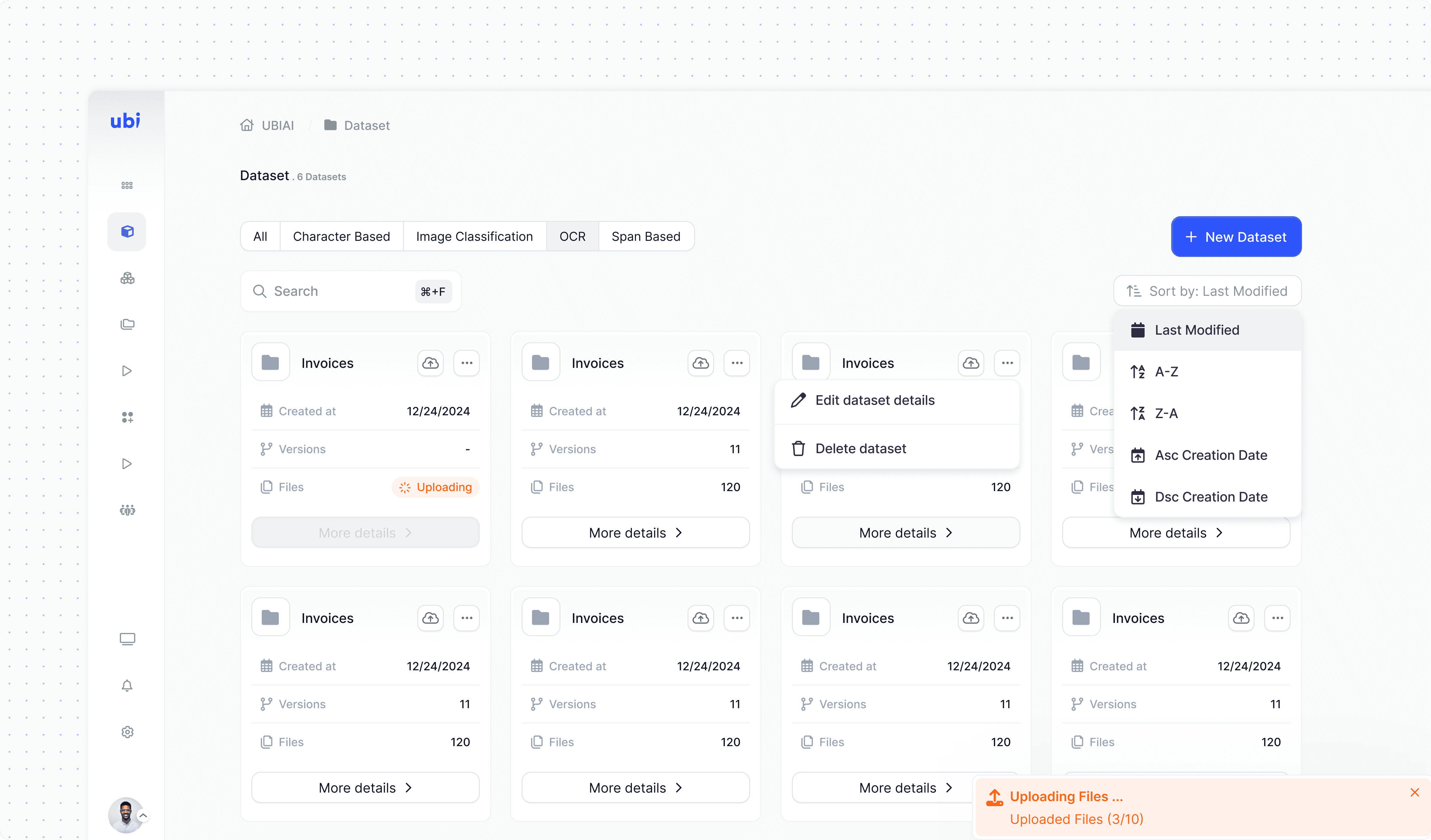
This section displays all created datasets, allowing users to manage, review, and update them efficiently. It provides a clear overview of dataset content and annotated versions.
The model creation stepper is designed to guide users through clear, sequential steps , from selecting the model category and setting configurations to importing or assigning datasets and creating the model. This structured flow simplifies the process, making it accessible to both technical and non-technical users.
Guides users through adding documents, setting labels, configuring metadata, and saving versions in a clear, sequential flow.
This section displays all created datasets, allowing users to manage, review, and update them efficiently. It provides a clear overview of dataset content and annotated versions.

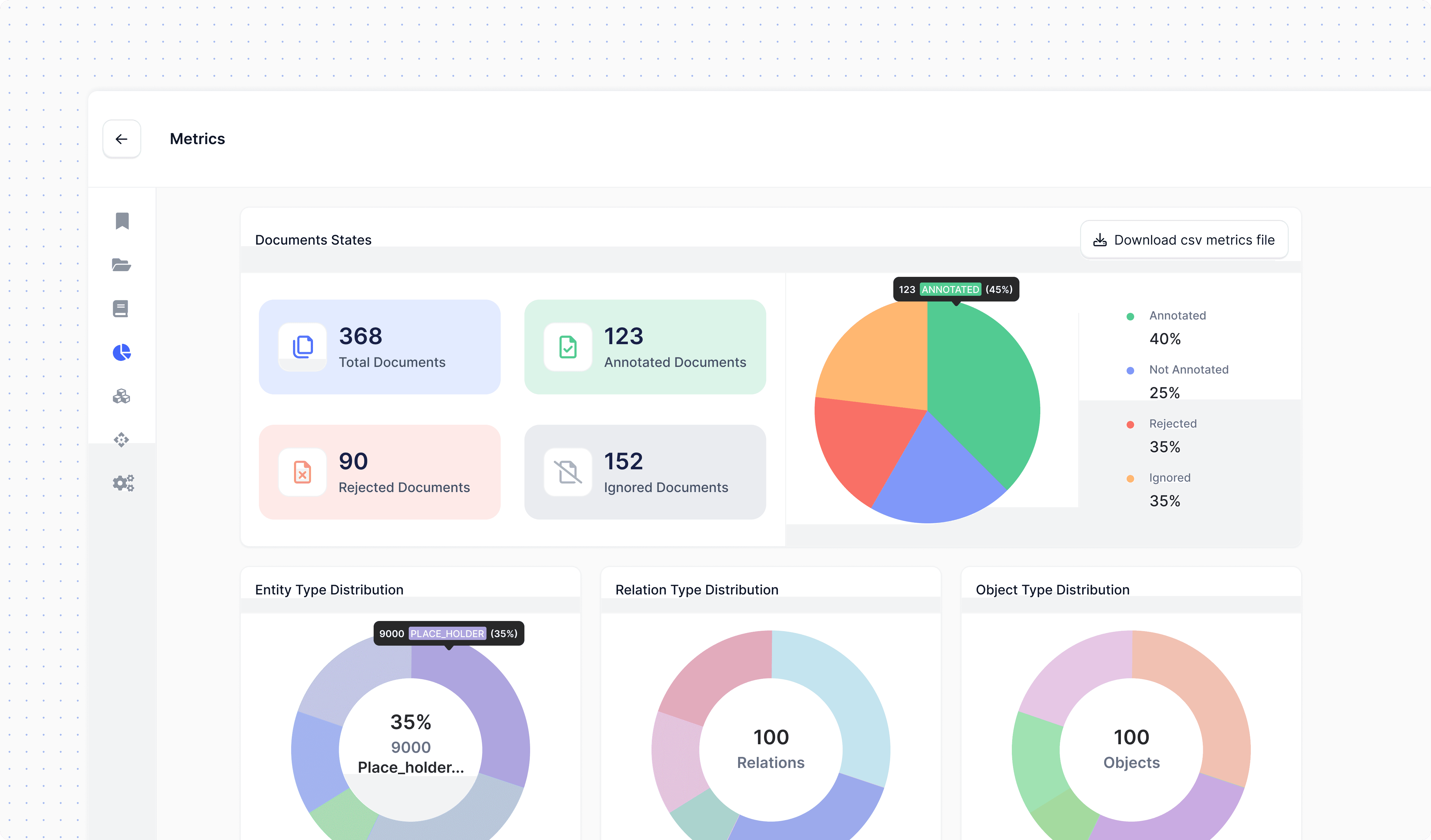
This section allows users to evaluate multiple models simultaneously against a dataset. The interface is designed for clarity, with organized layouts and visual cues that highlight performance results and recommendations, helping users quickly see if a model needs further attention or which model is best to deploy.
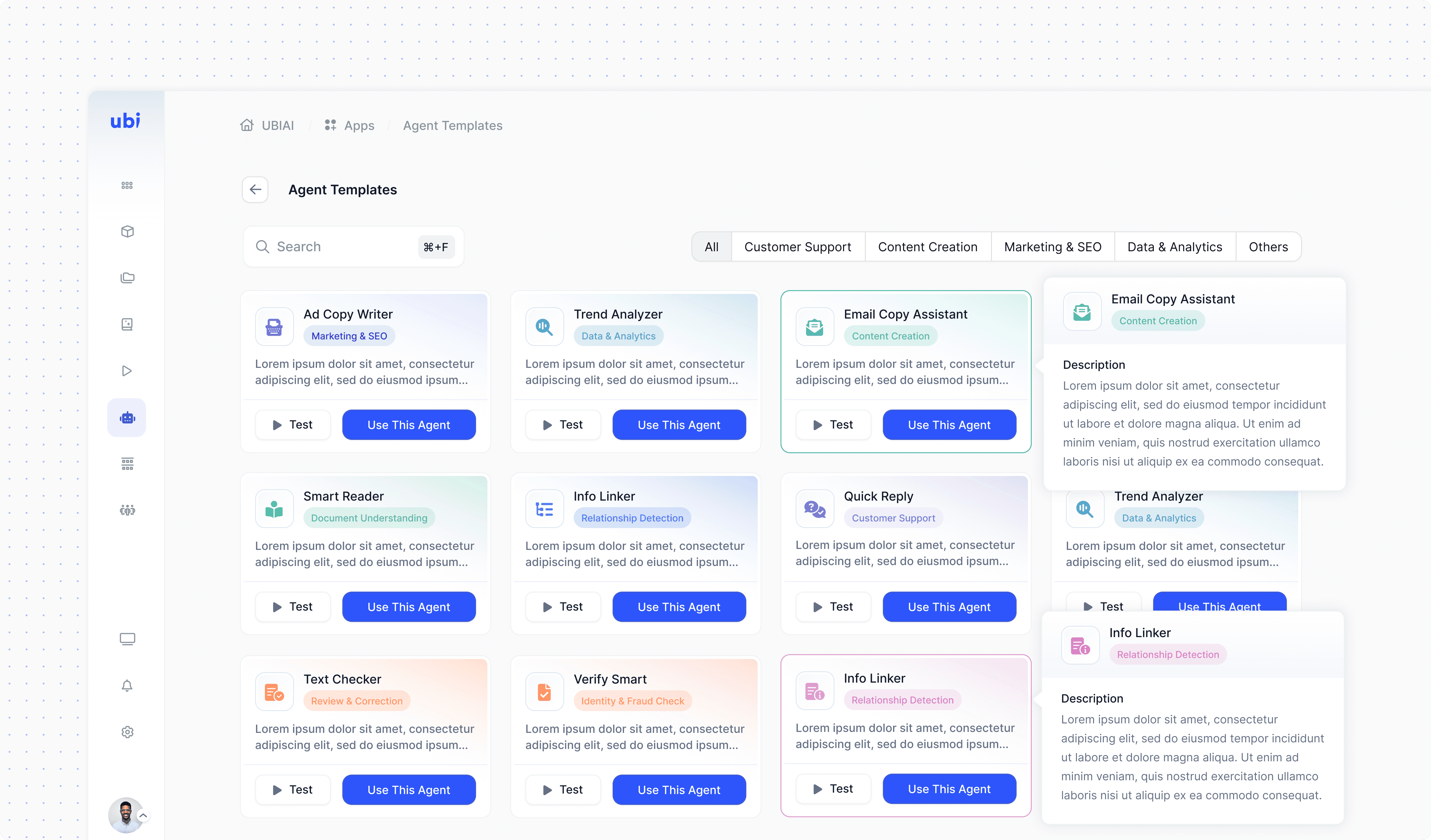
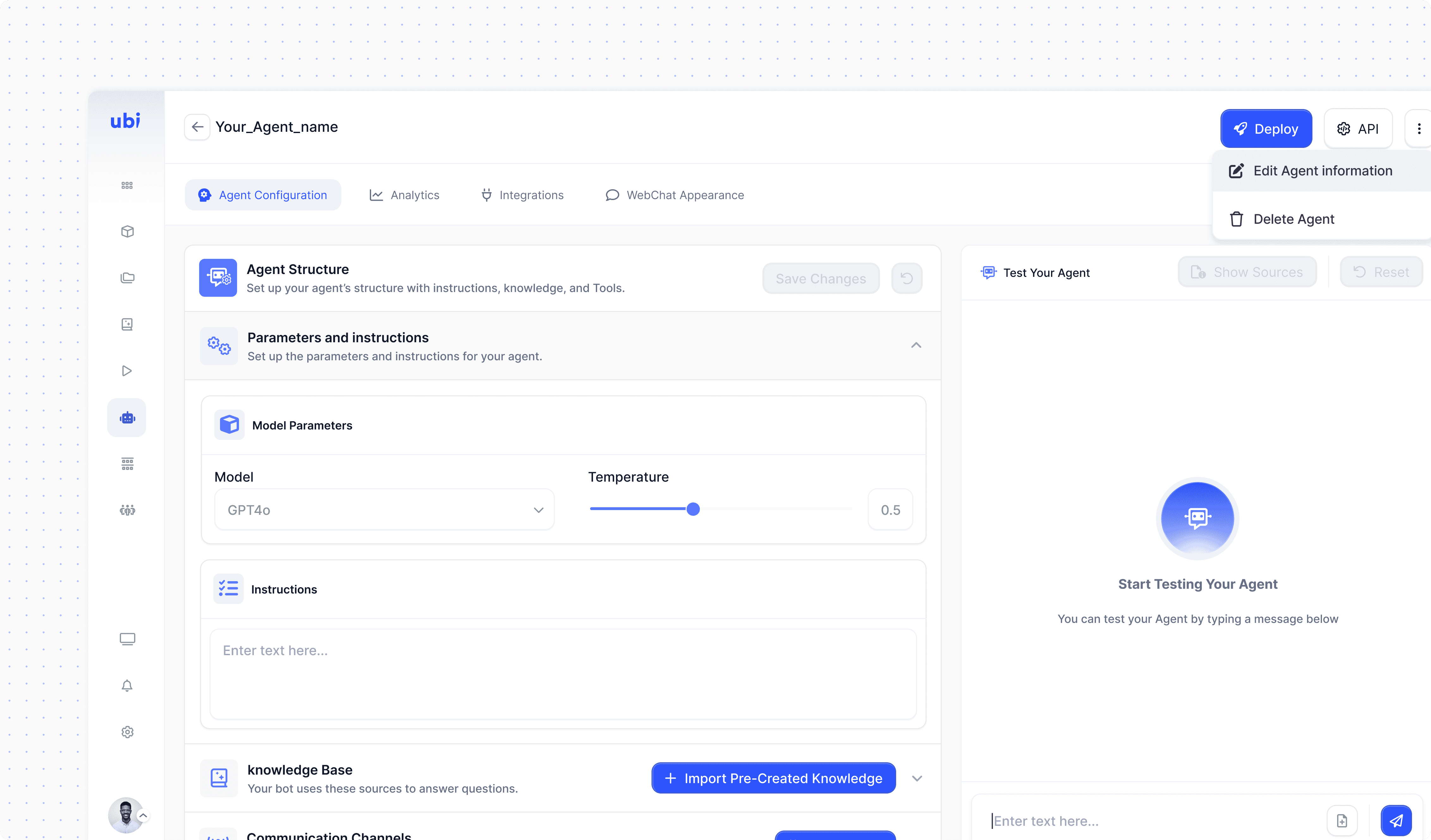
This section allows users to create AI agents through a clear, easy-to-use interface. It provides multiple configuration options to optimize results, real-time testing before deployment, and the ability to customize the agent’s chat interface to align with a company or product. The feature is designed to make the entire process, from setup to deployment, intuitive and accessible.
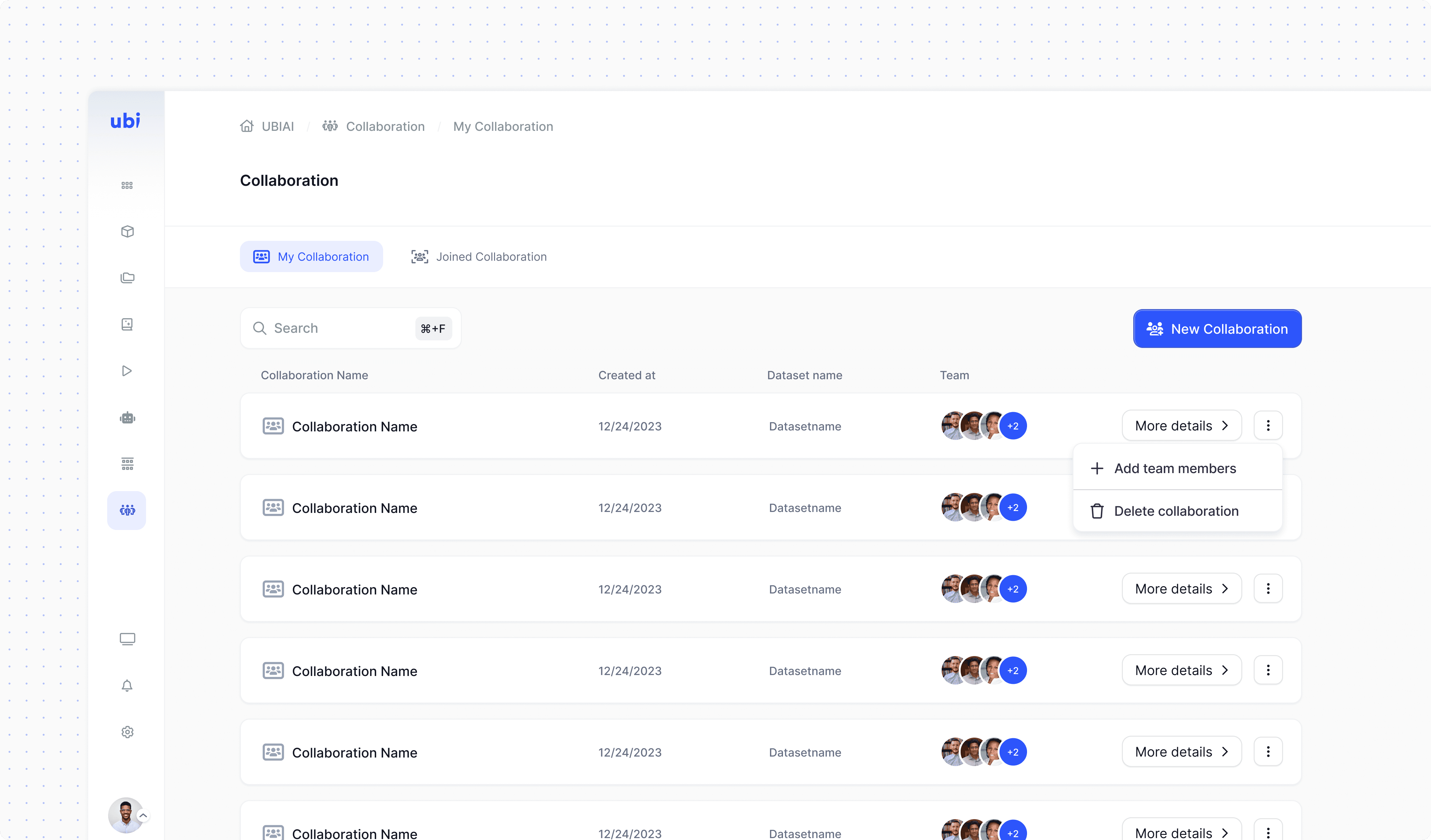
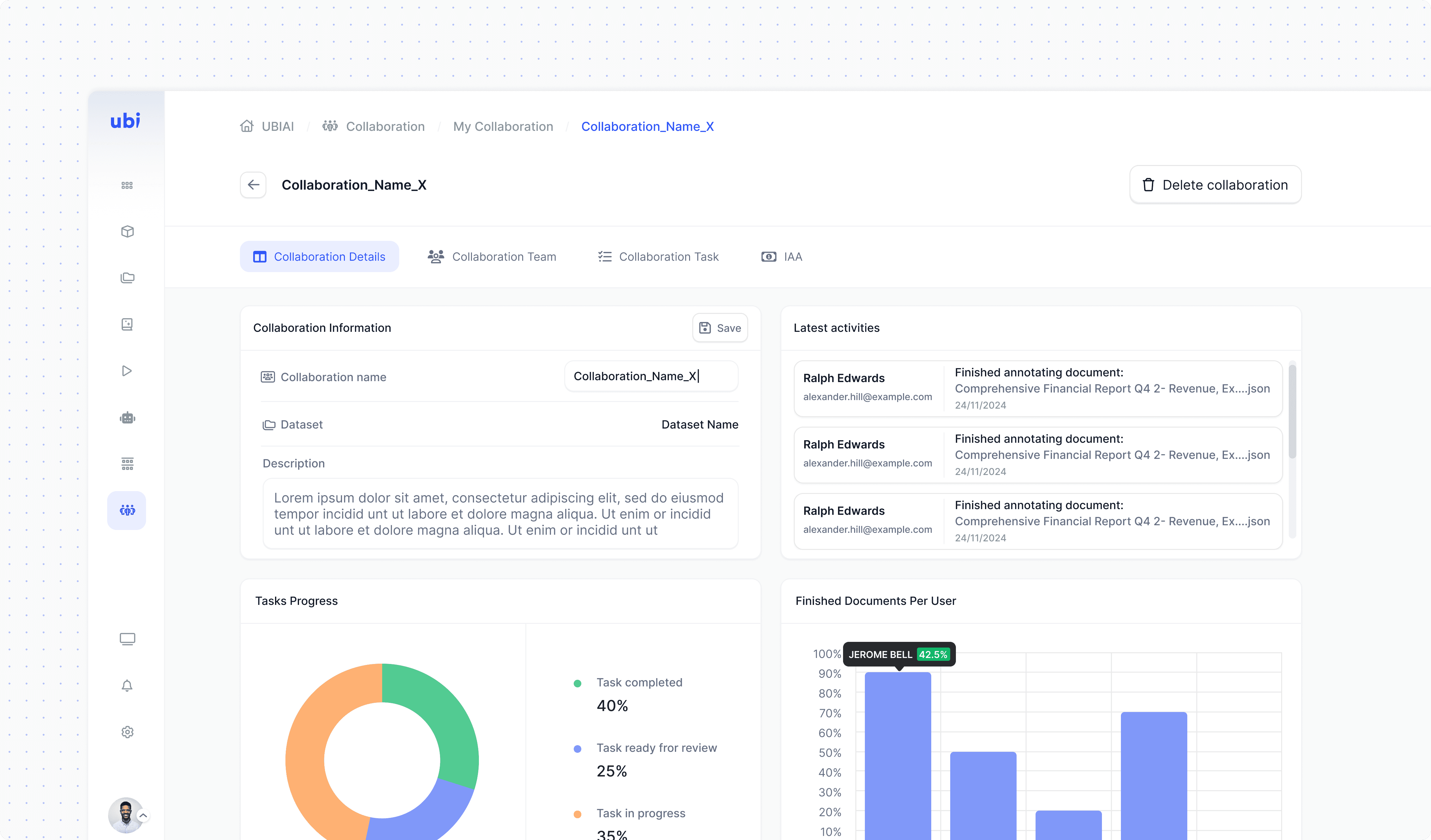
Organizes all collaborations in a clear, tabbed layout, making it easy to manage and track progress.
Outcome
The redesign transformed UbiAI from a narrow annotation tool into a complete AI platform with a cohesive, intuitive experience. The new structure improved usability, scalability, and accessibility for both technical and non-technical users.
Learnings
Designing for both technical and non-technical users is essential.
Clear, scalable structure matters more than visual polish alone, it enables complex workflows to remain intuitive.
Guided flows and strong visual hierarchy help users know where to go and what to do.
Continuous iteration based on real-user feedback is the backbone of a successful platform.
