Industry
AI
Client
Conversion
Date
2021
Role
UI/UX Designer
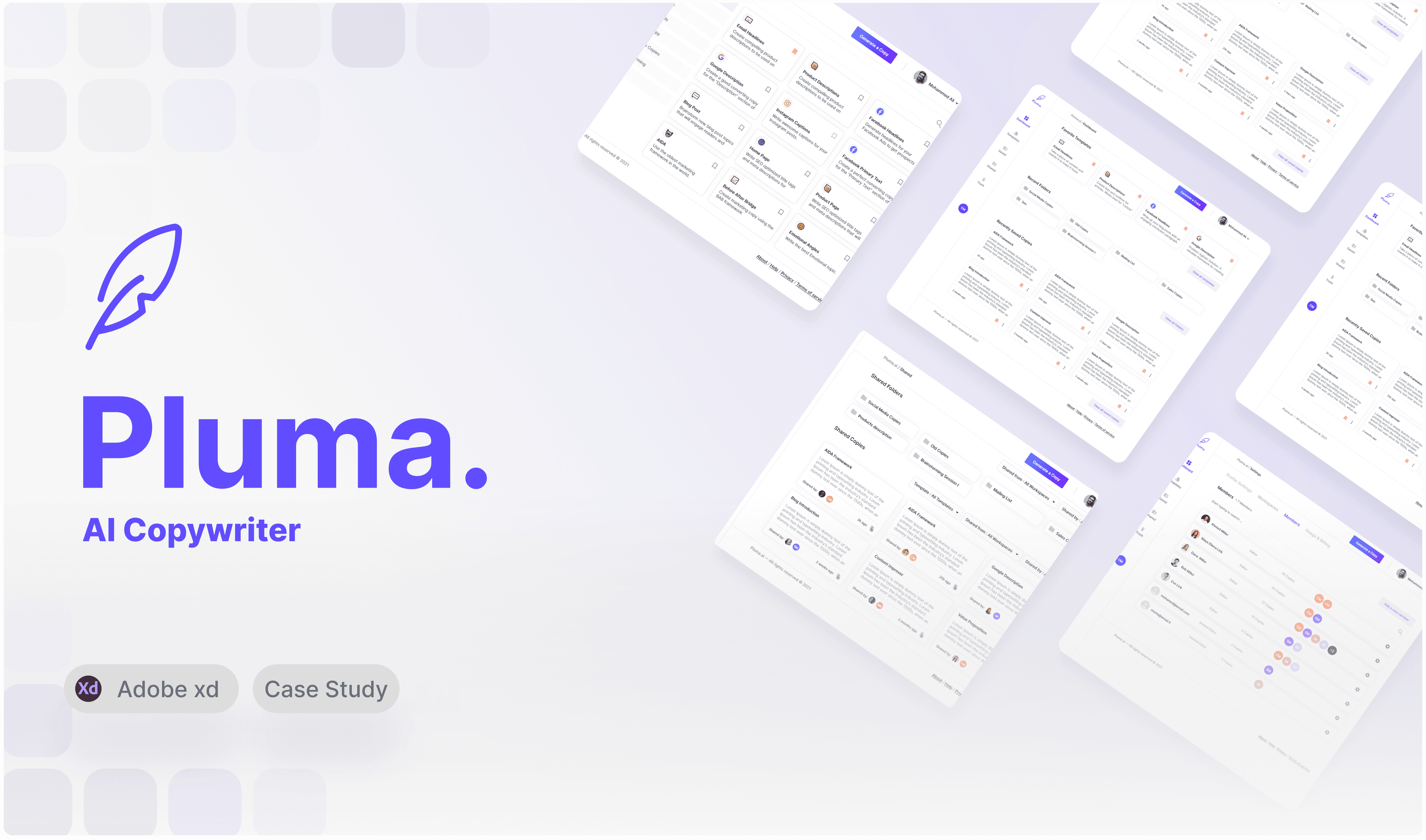
Pluma is a digital platform that uses the world’s most powerful Artificial Intelligence to generate high-quality, original content for ad copy, blogs, websites, and so much more! a smart tool for smart users that wants to save time and effort and still come up with intelligent copy for their digital content.
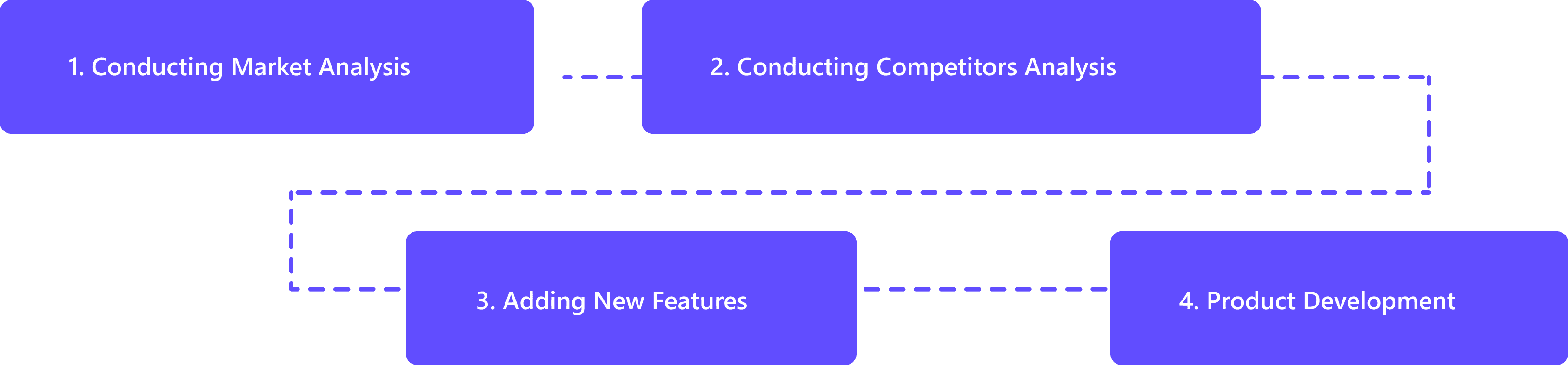
My intervention within Pluma went beyond Experience and Interface Design, our main goal was to make the product marketable and that meant wearing the Business Developer cap introducing new features.
We managed to approach the product design in a matter that highlighted the users' expectations by implementing features that took the experience and engagement to a new level using Market and Competitors Analysis!
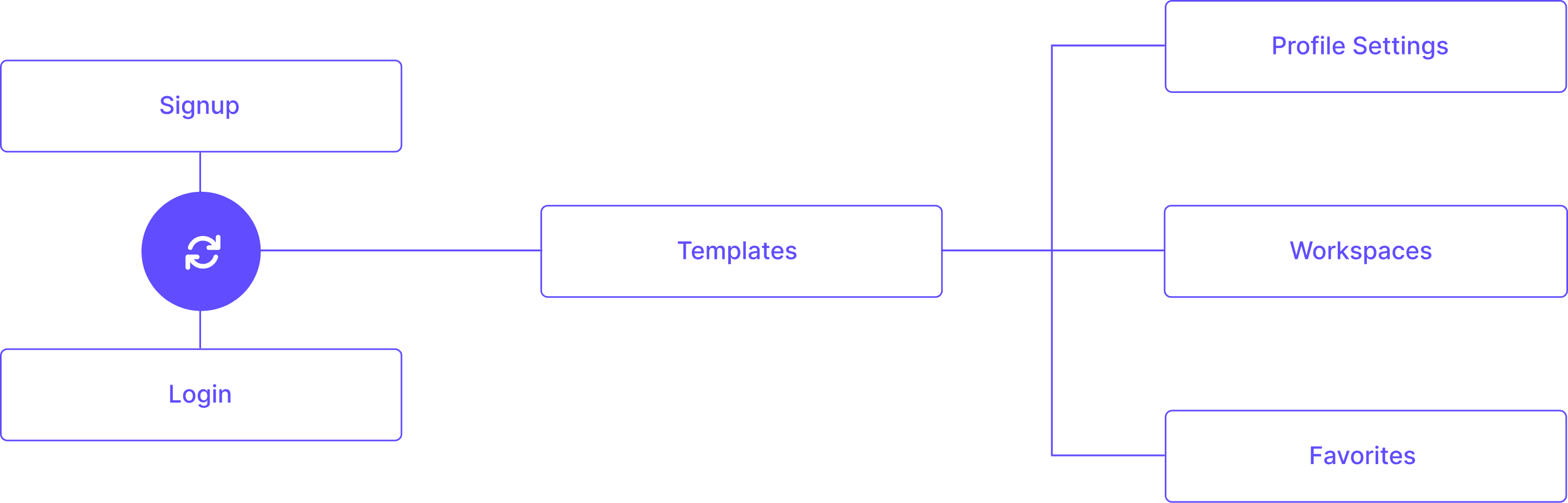
Initial Sitemap & Flow.
A basic sitemap, taking the users to do what they came to do. Not taking into consideration access and pathways to achieve other secondary purposes.
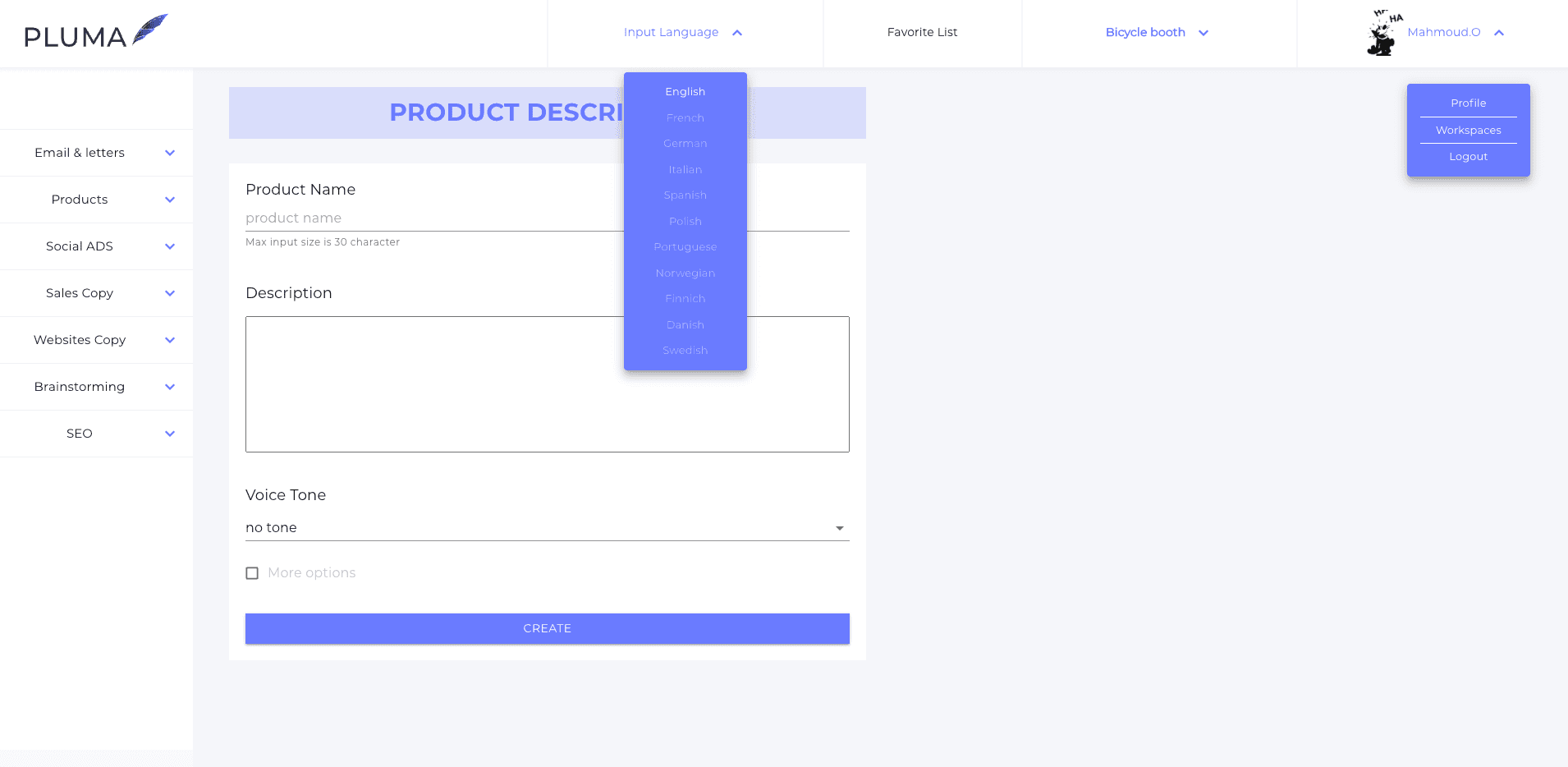
Initial Interface.
Outdated interface system, inconsistant and point blank to the POC purpose.
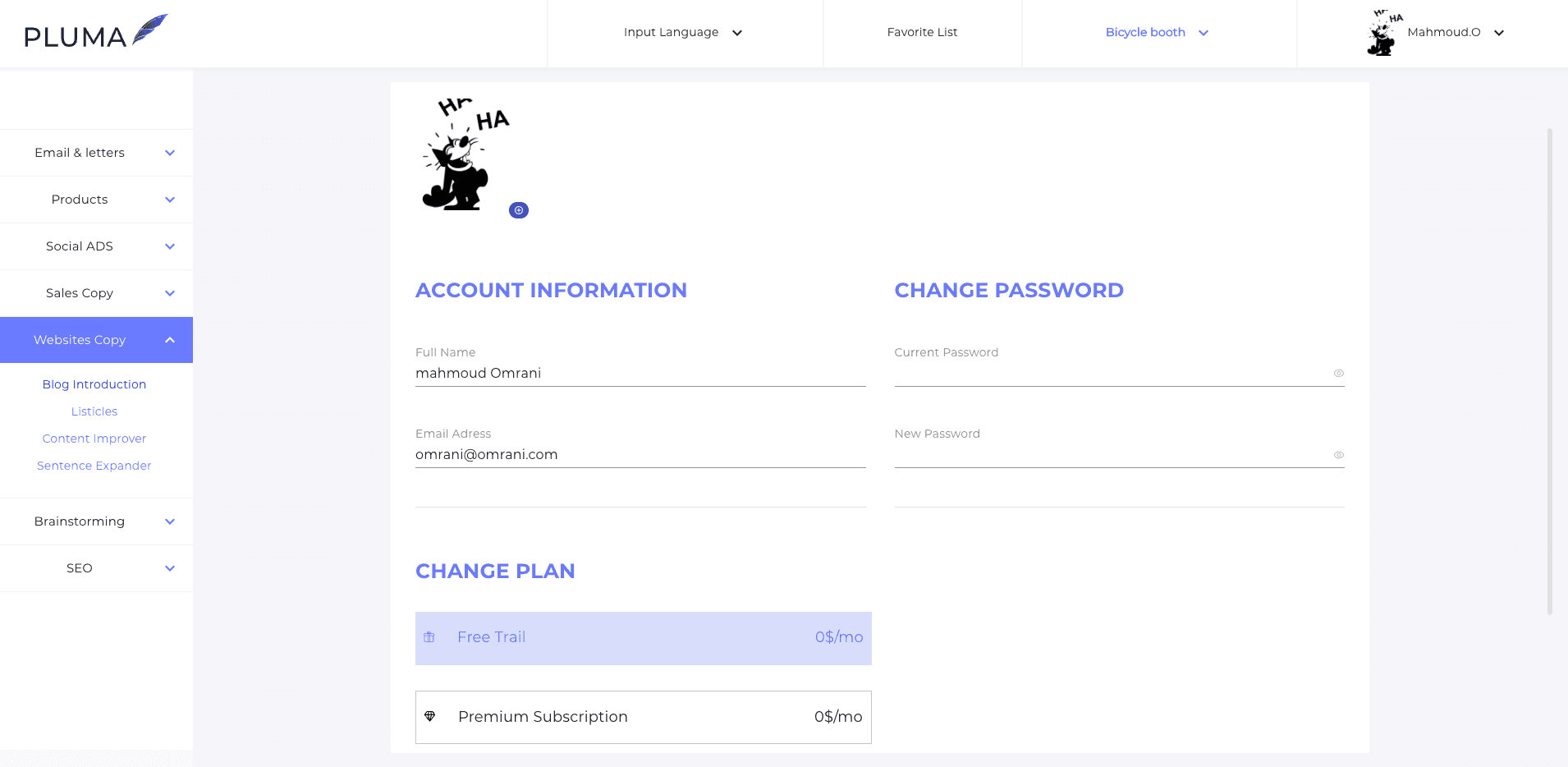
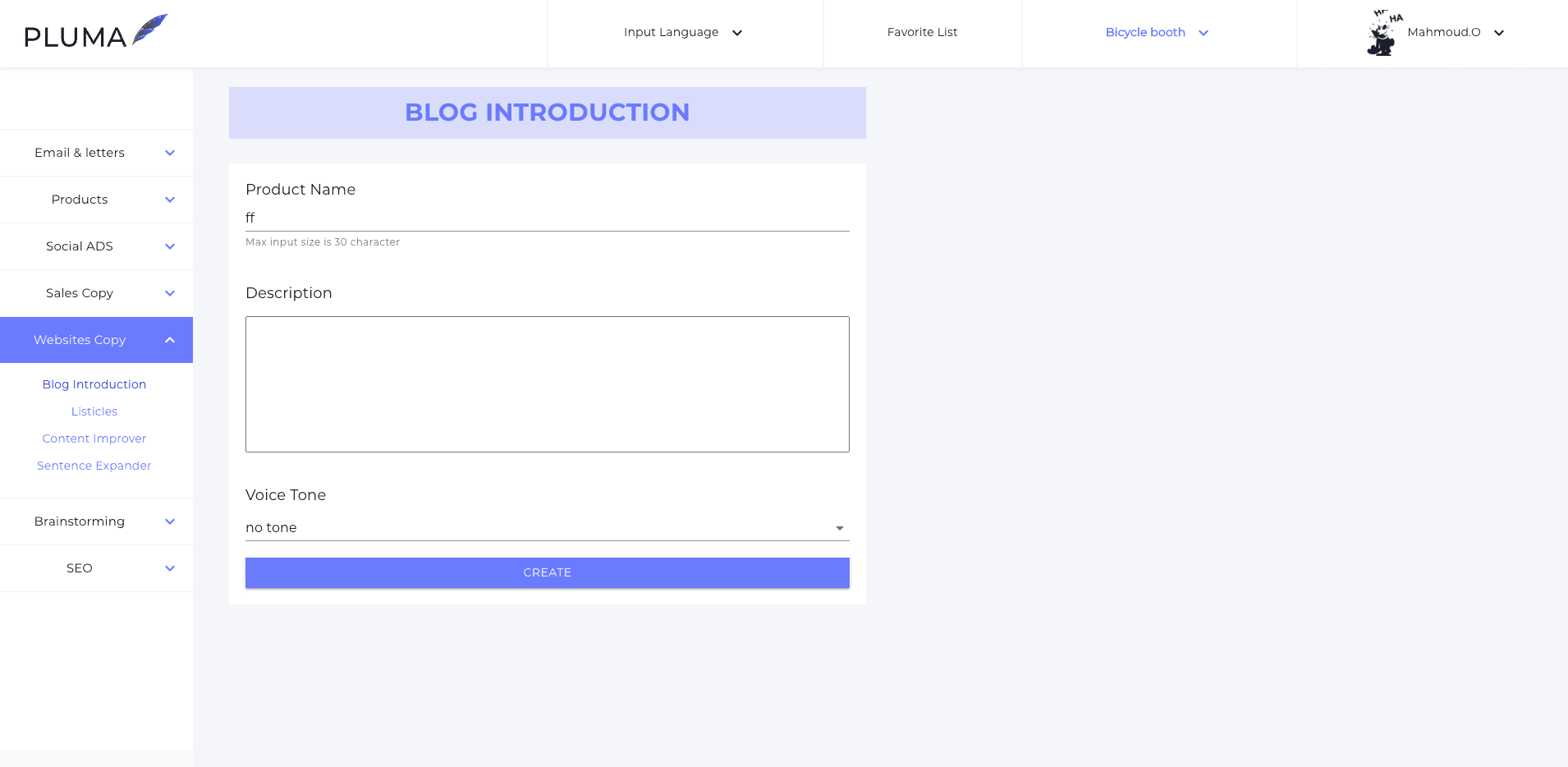
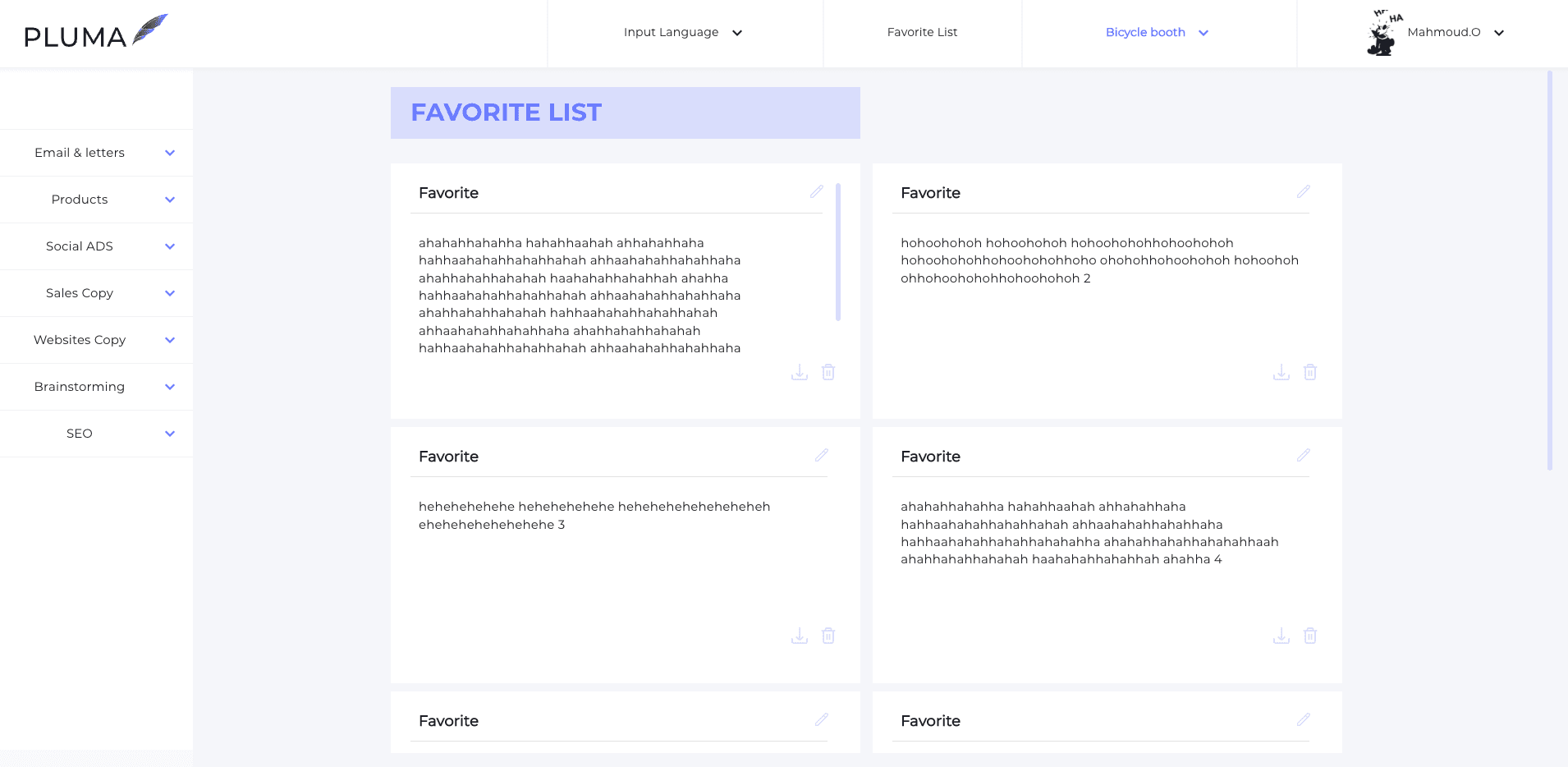
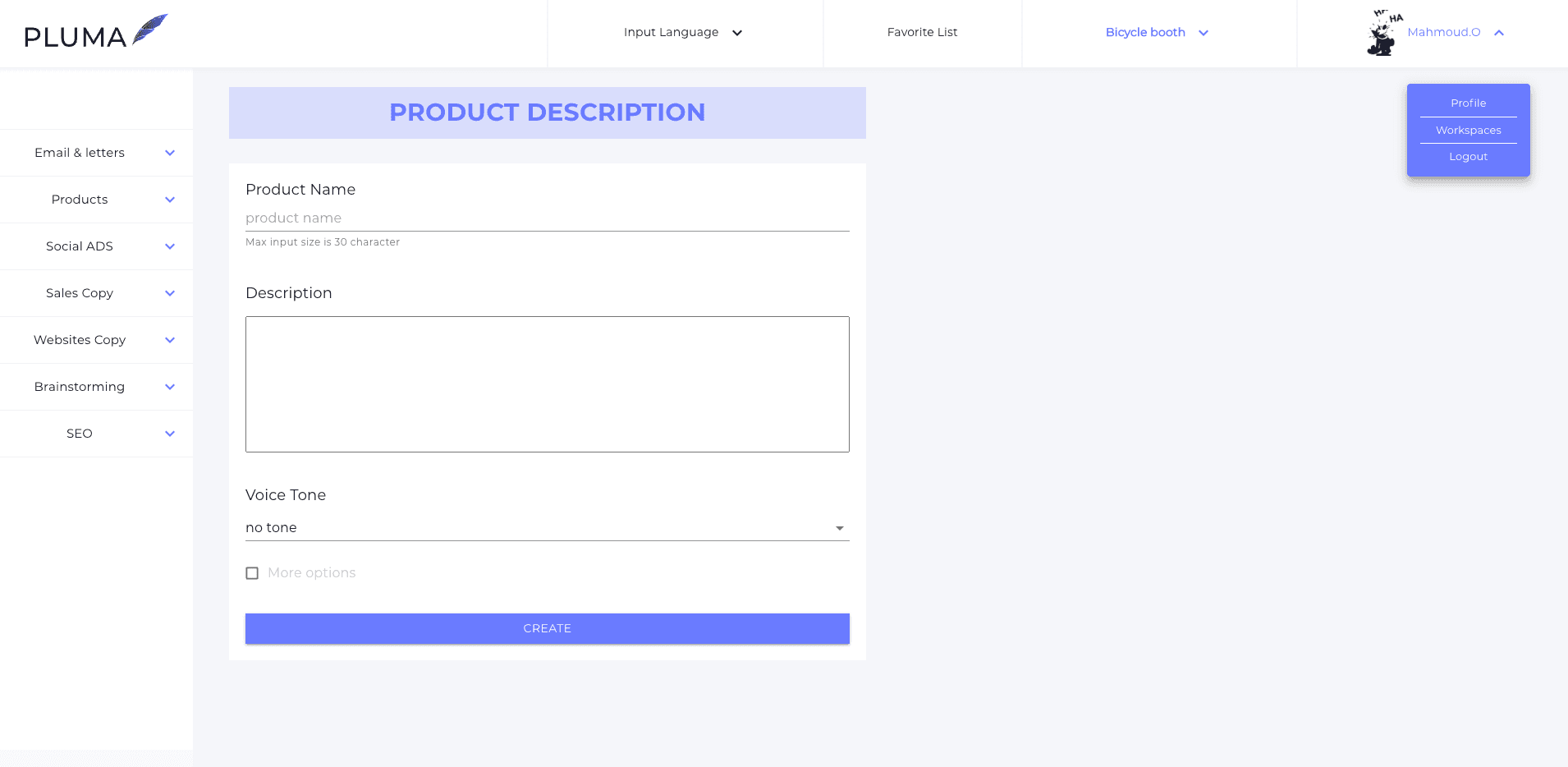
Initial Key Features.
Being a proof of concept, the platform initially had a small number of features.
1.
Generate Copies
2.
Manage Workspaces
3.
Manage Members
Updated Site Map & Flow.
After careful analysis to the market and competitors, we took the product to the next level enhancing the flows and journeys.
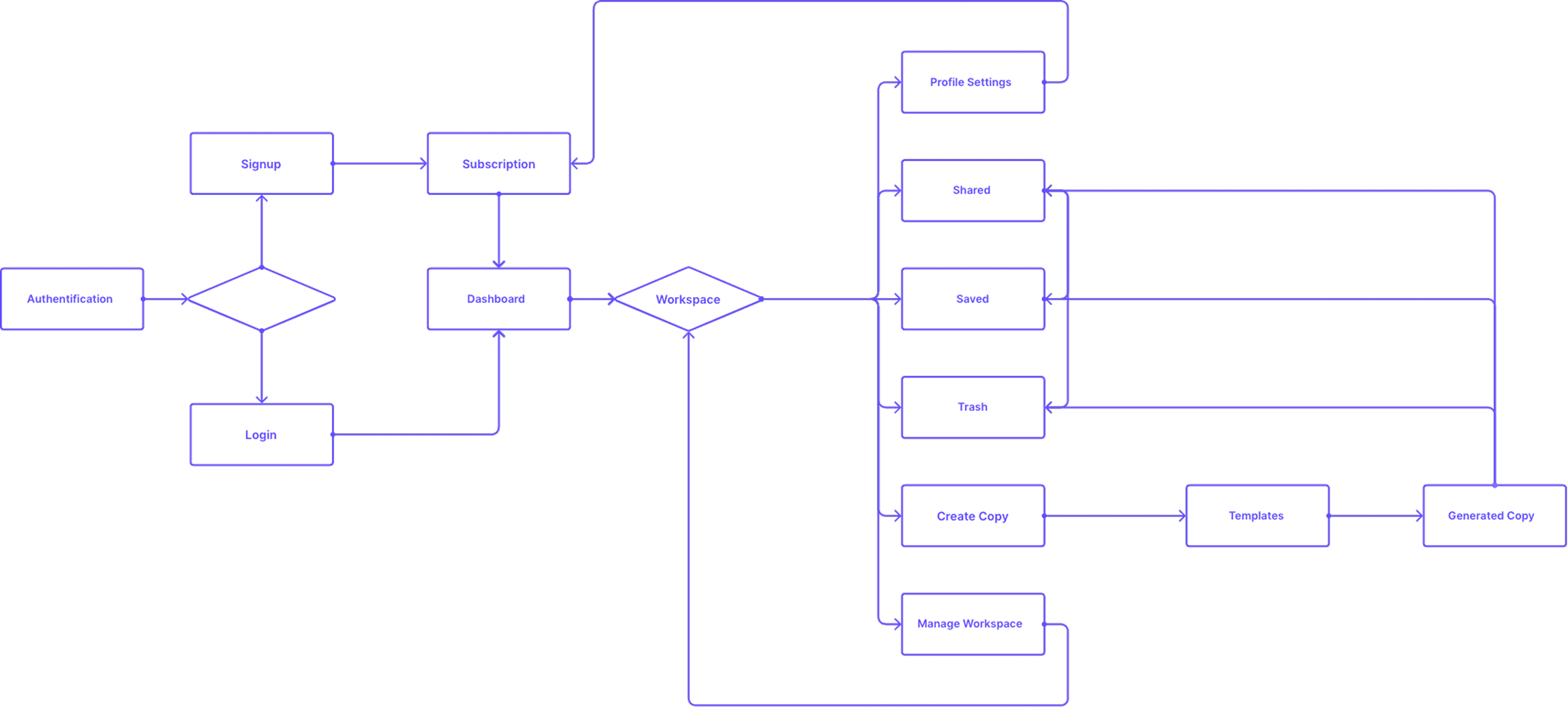
Updated Key New Features.
Mounting the product meant adding new features and with the purpose of becoming more engaging we decided to add some features to make the tool an ultimate AI copy generator for individuals and teams.
1.
Generate Long Copies
2.
Template Picker
3.
Content SEO Score
4.
Dashboard
5.
Folders System
6.
Saving Directory
7.
Sharing System
8.
Trash
9.
Members Management
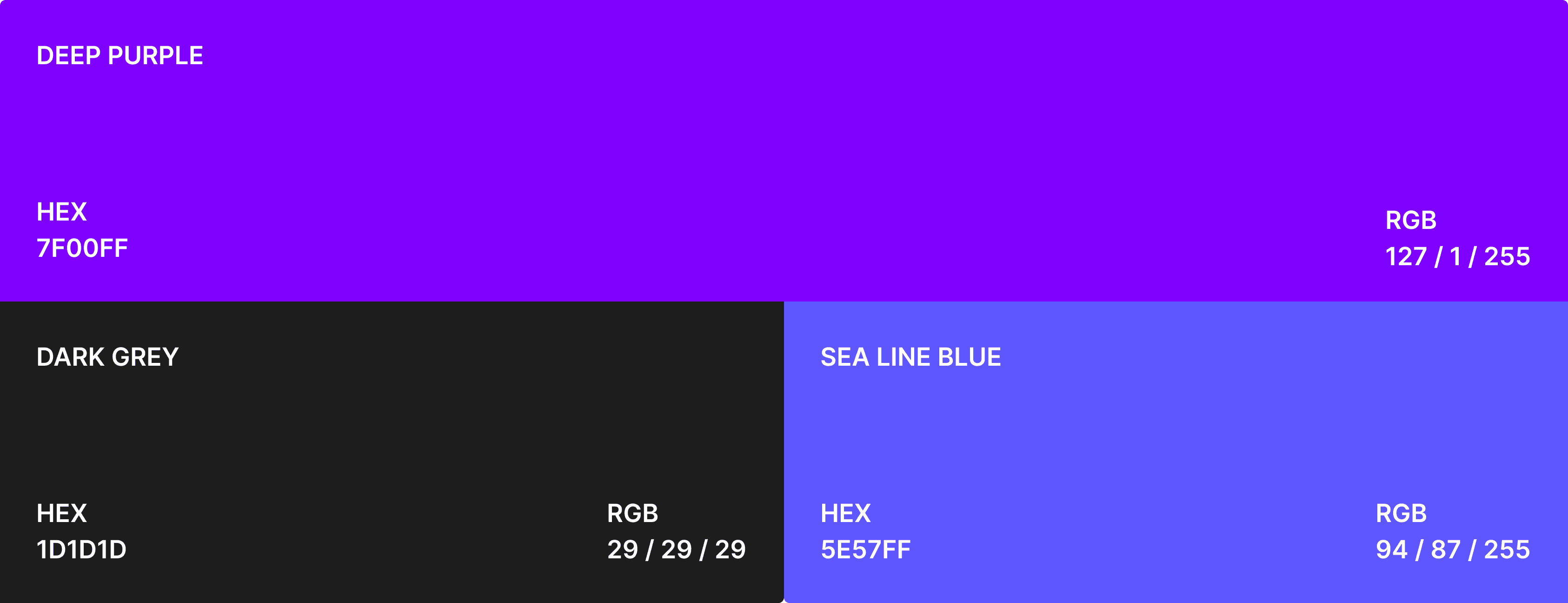
Updating the Visual System required a handful of decisions to make in regards of the layouting and visual appearance, a typeface that translate the business vision and a color palette that showcases the user-friendly intention of the product.
After careful analysis to the market and competitors, we took the product to the next level enhancing the flows and journeys.
Aa.
Inter
Inter
Inter is a variable font family carefully crafted & designed for computer screens. Inter features a tall x-height to aid in readability of mixed-case and lower-case text. Several OpenType features are provided as well, like contextual alternates that adjusts punctuation depending on the shape of surrounding glyphs, slashed zero for when you need to disambiguate "0" from "o", tabular numbers, etc
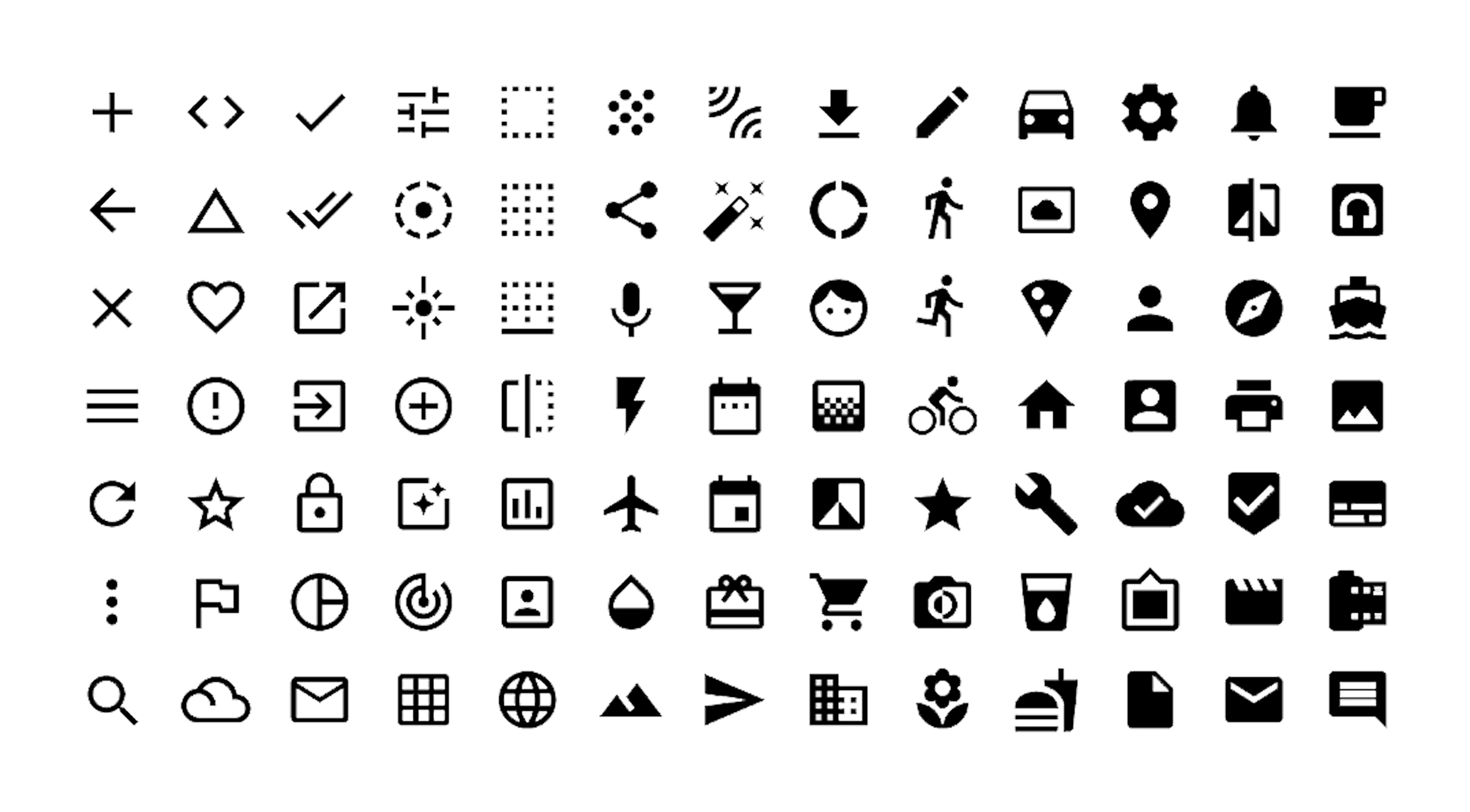
Material Icons.
Material Design Icons' growing icon collection allows designers and developers targeting various platforms to download icons in the format, color and size they need for any project.
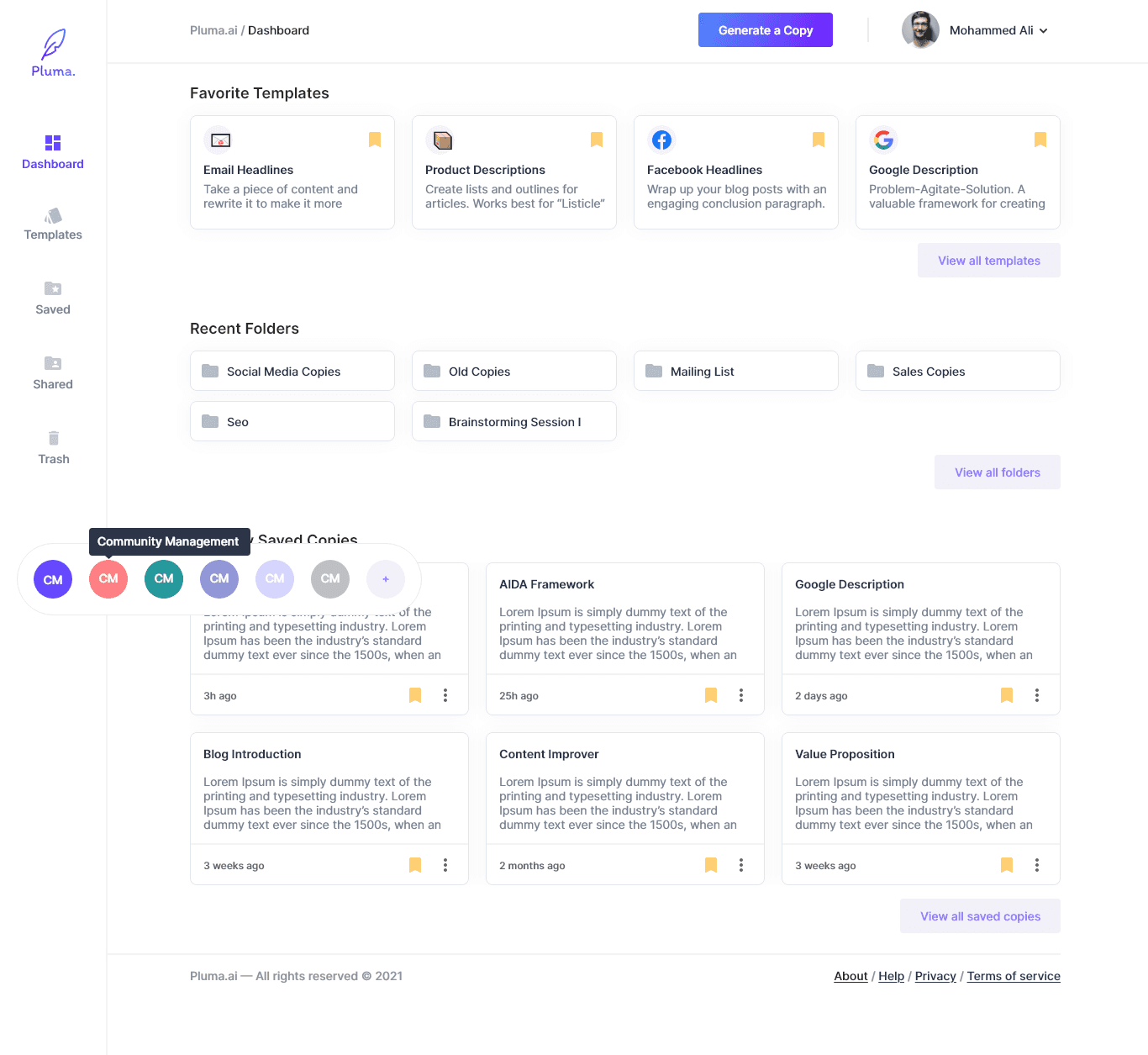
Dashboard.
We added more context to the platform by deliveling a more rich dashbord with easier access and more features to help users navigate through the product in a more productive way for indivuduals and teams.
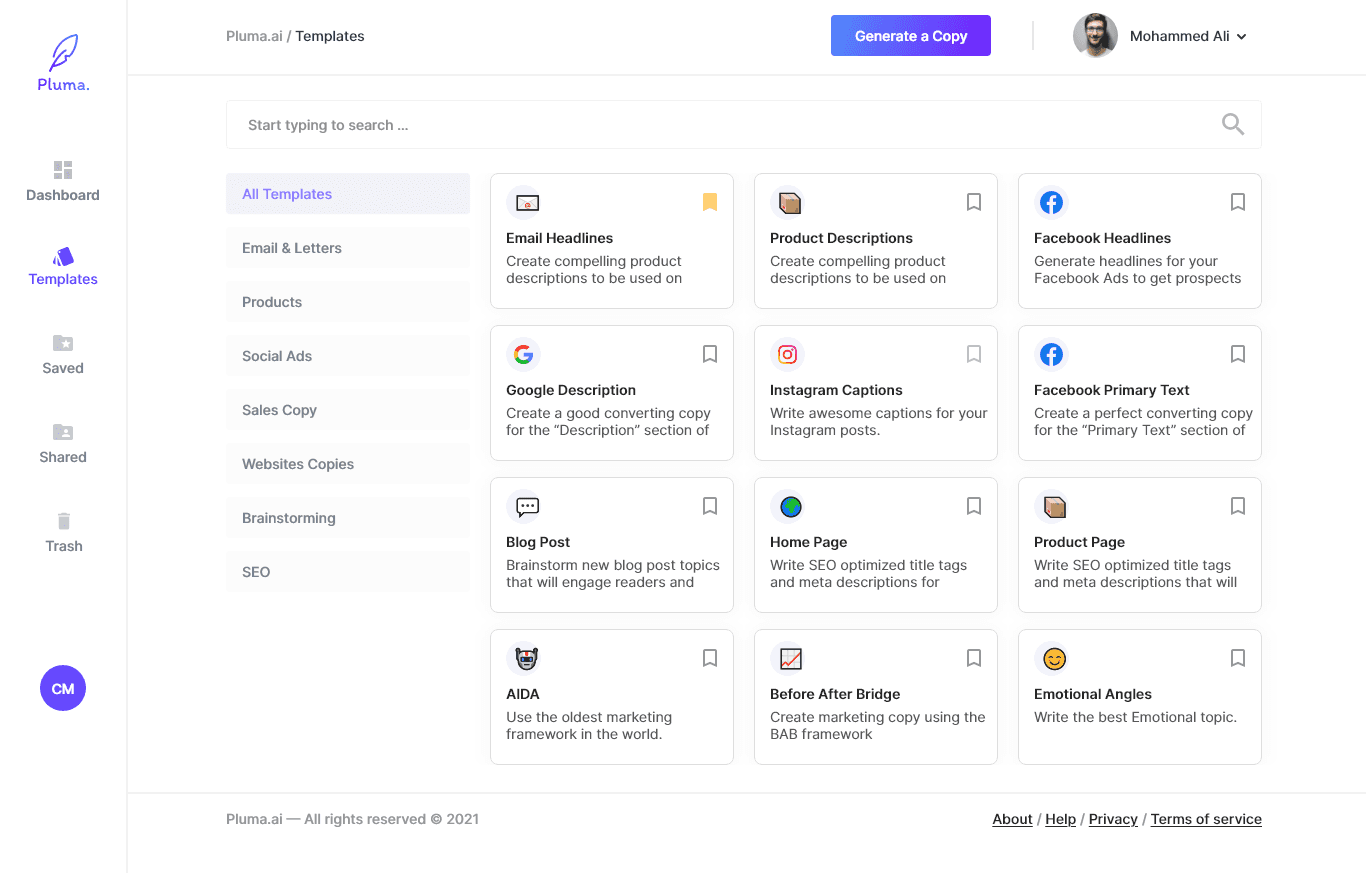
Copy Templates & Copy Generator.
Introduced a new Copy Generator interface that help users generate copies in three different views, with more control over what they see.
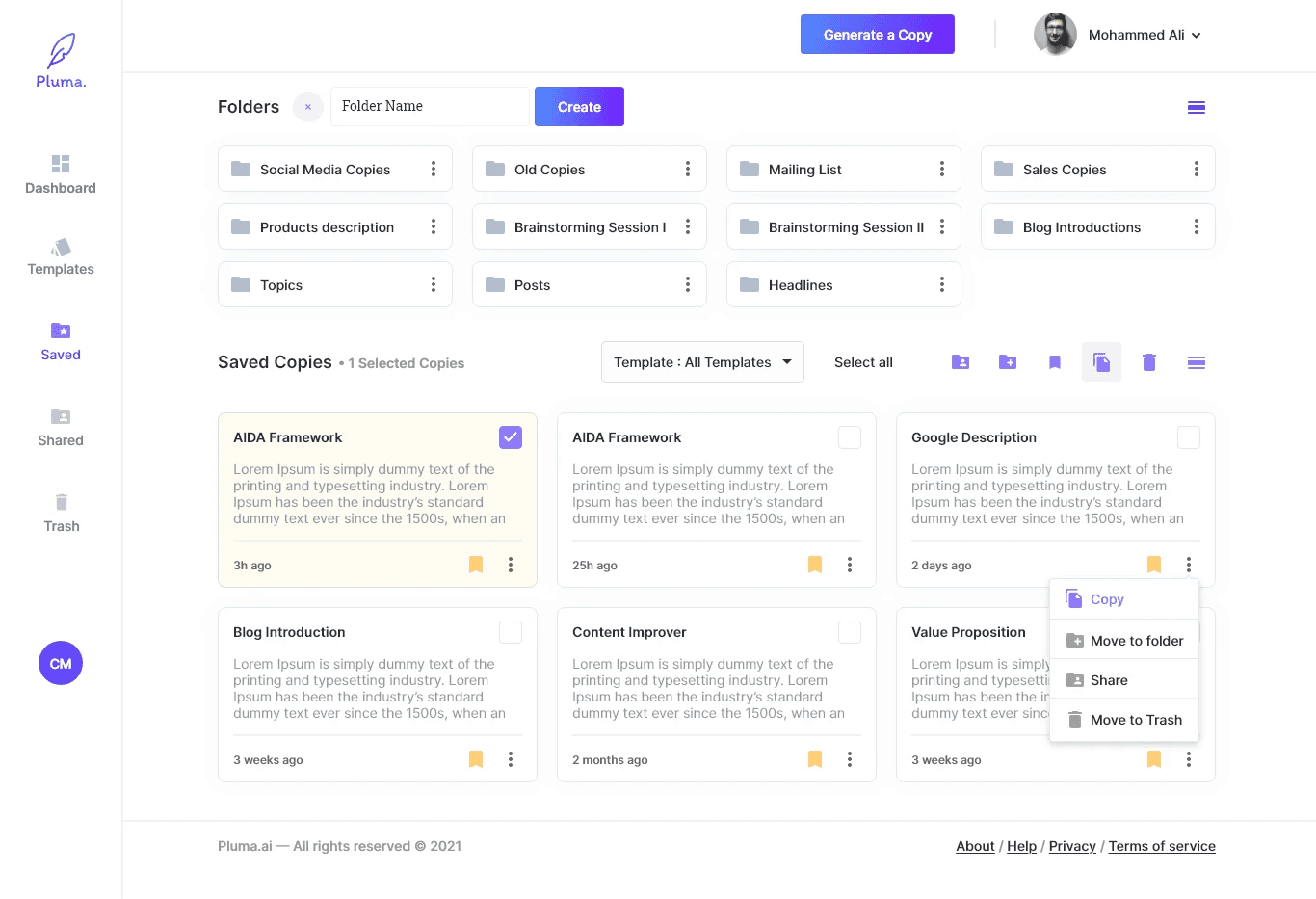
Folders.
Introduced a new Folders Directory for the Saved Copies, to share and conserve! our motto was to never lose a copy!
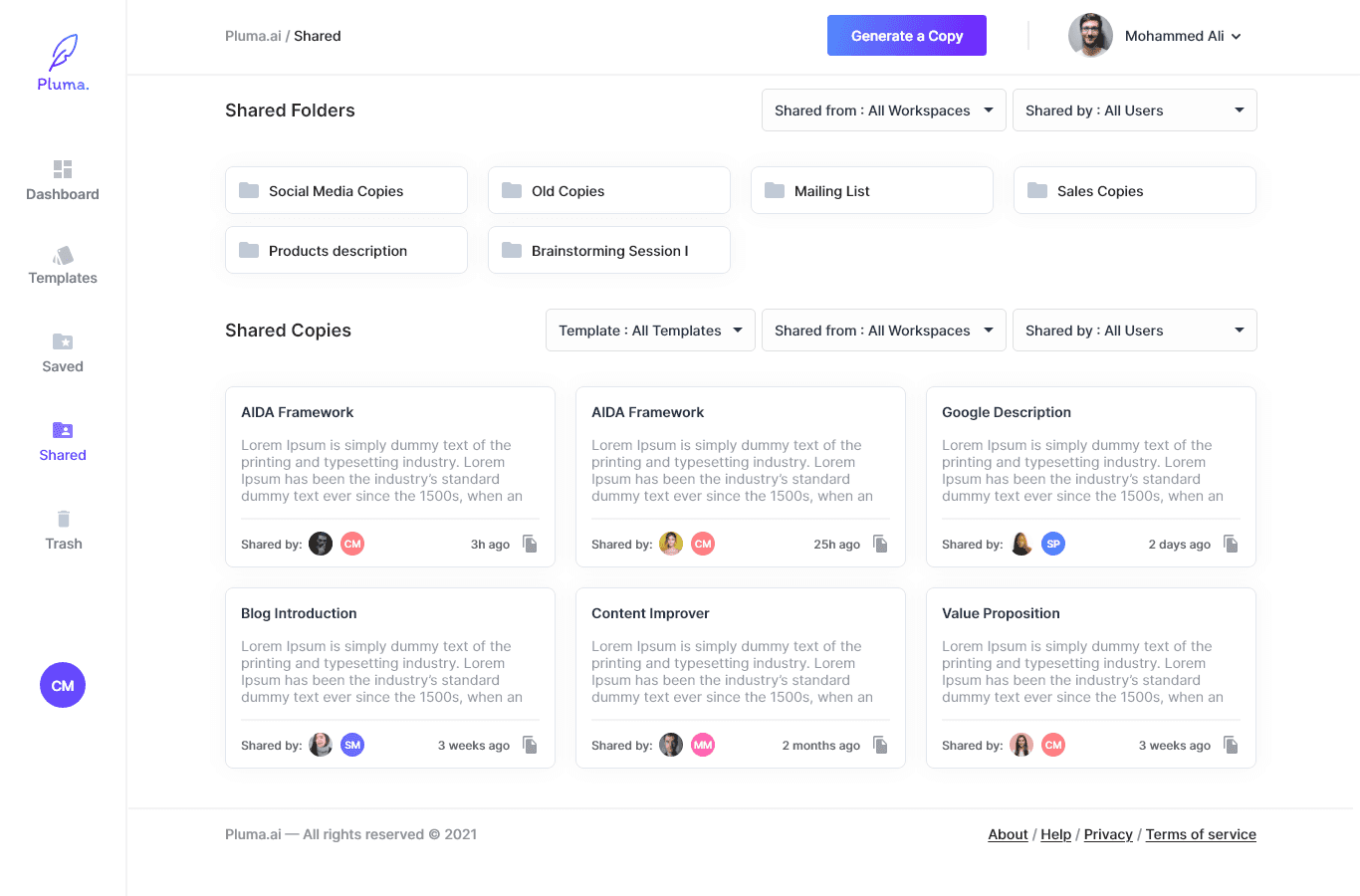
Shared & Saved.
Sharing Copies with your team members, in a well organized matter!
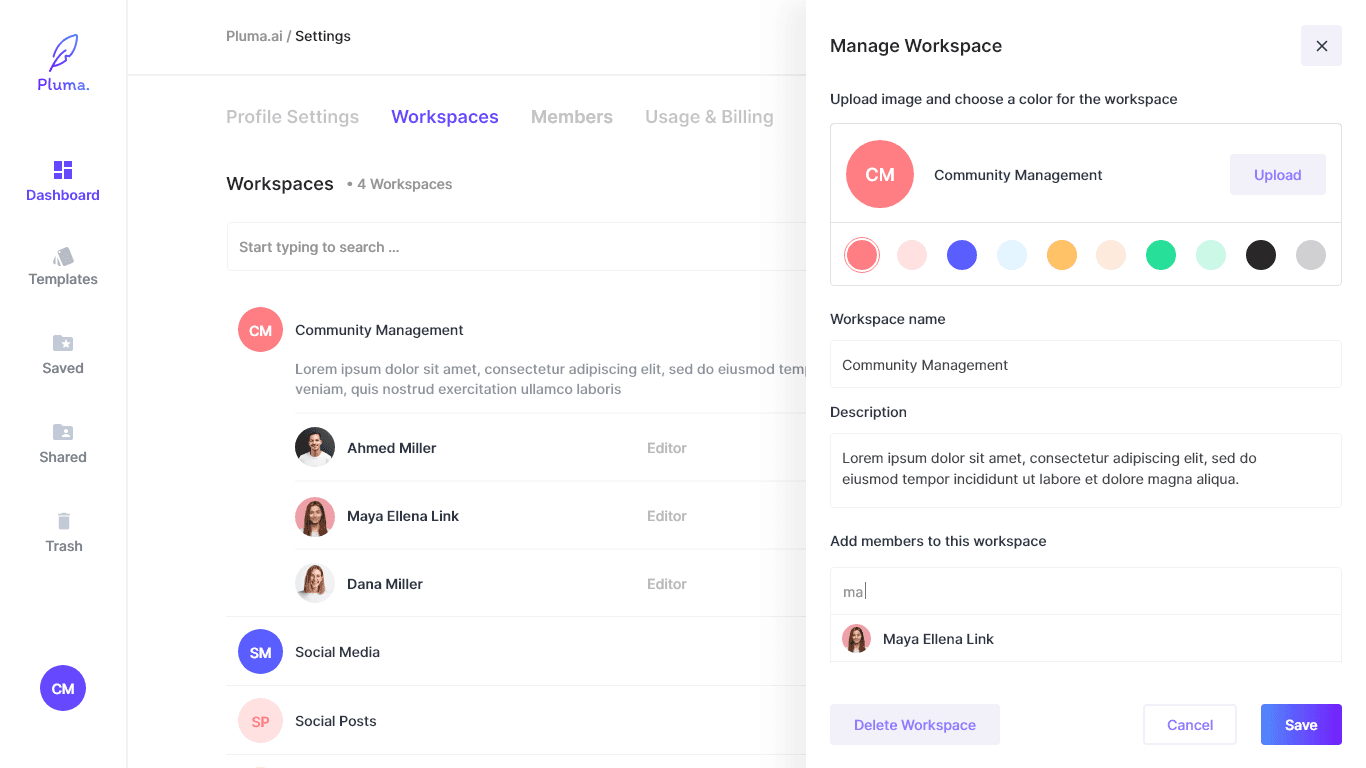
Workspace Management.
A more elaborate way to manage workspaces.
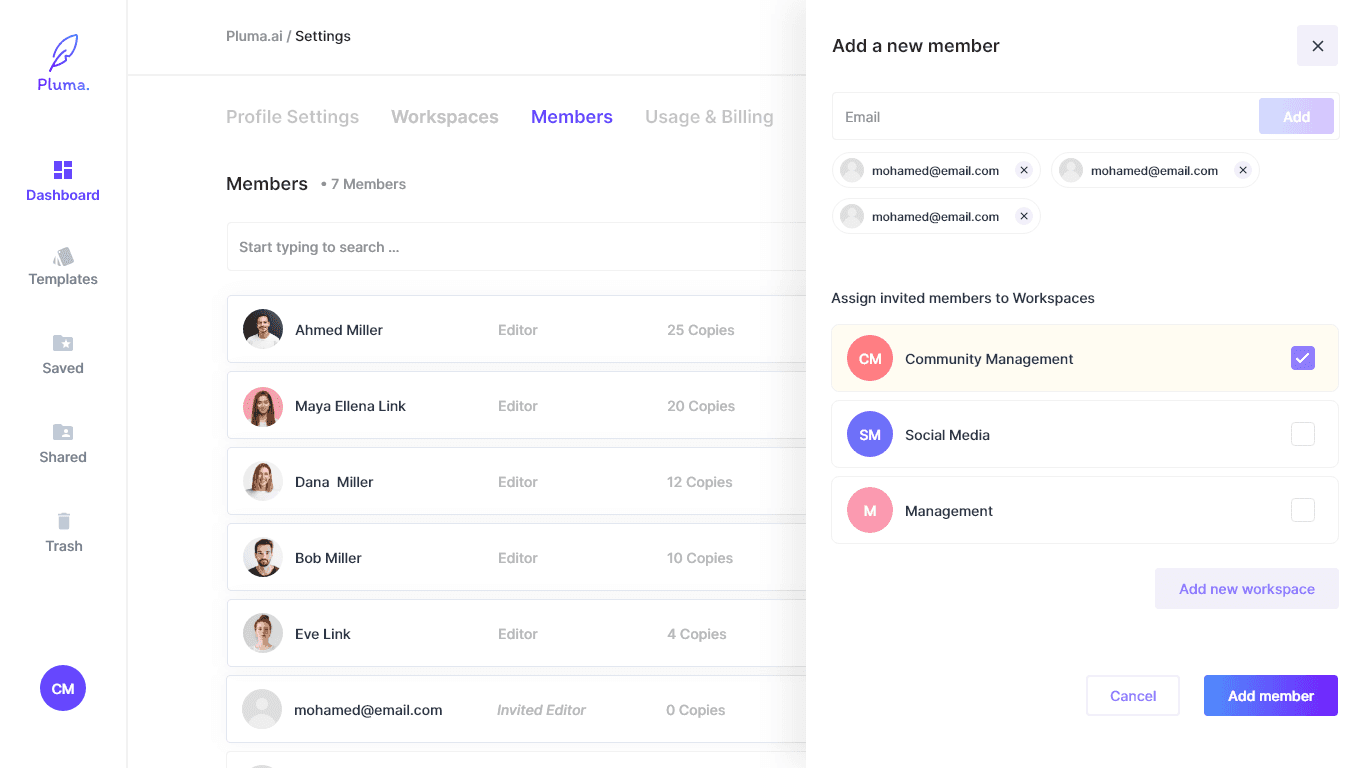
Members Management.
An easy and intuitive way to introduce new members and team mates to all your workspaces with a clear access control.
Working on Pluma was all the fun we needed when we first thought we were about to work on a product that touches on the artificial intelligence industry. And exploring it led us to have a really eye opening experience on both the industry we're in and the way to upgrade a product from the ground up.
1.
Developing a product from a Proof of Concept state to a Marketable Product require putting multiple hats on and a lot of collaboration between different parties.
2.
The AI industry is ever evolving and it requires an up to date mindset to follow on the growth that is brought by the progress of the AI.
3.
Not all features that you come up with are necessarily good for your targeted audience, but rather the users needs is what should drive your decision making.

60+
INTERFACES
100+
ICONS USED
80+
NEW FEATURES
DESIGN
Flowwmap
Adobe XD
Pen & Paper
100+
ICONS USED
